Remove Validators
If you remove a validator before it has been exited, you cannot exit it later through SSV Network. In that case, you must use Ethereum Launchpad Actions or another validator setup that can sign the exit message.
1. Connect your wallet
Connect the Web3 wallet that owns the cluster in the Web App.
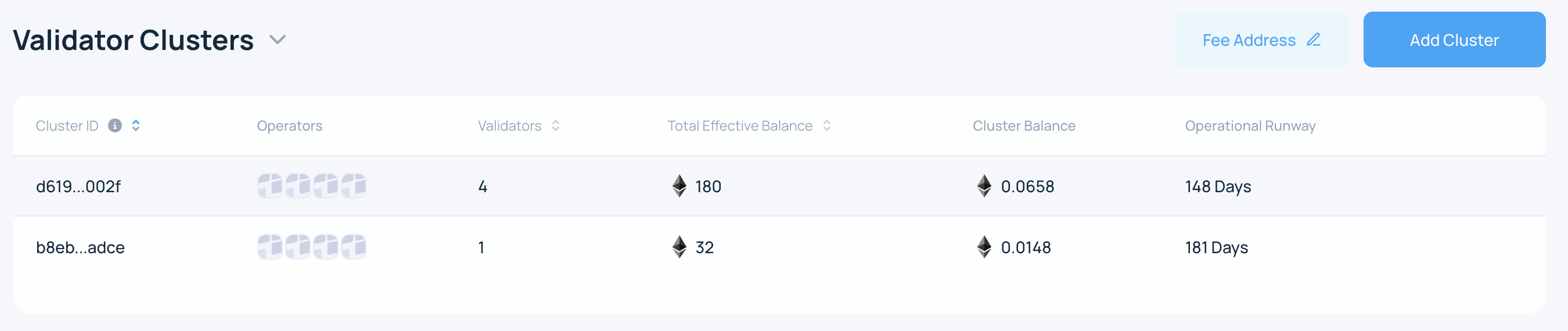
2. Open the cluster
Connect the owner Web3 wallet in the Web App and open the active cluster from the My Account page.
3. Start the removal flow
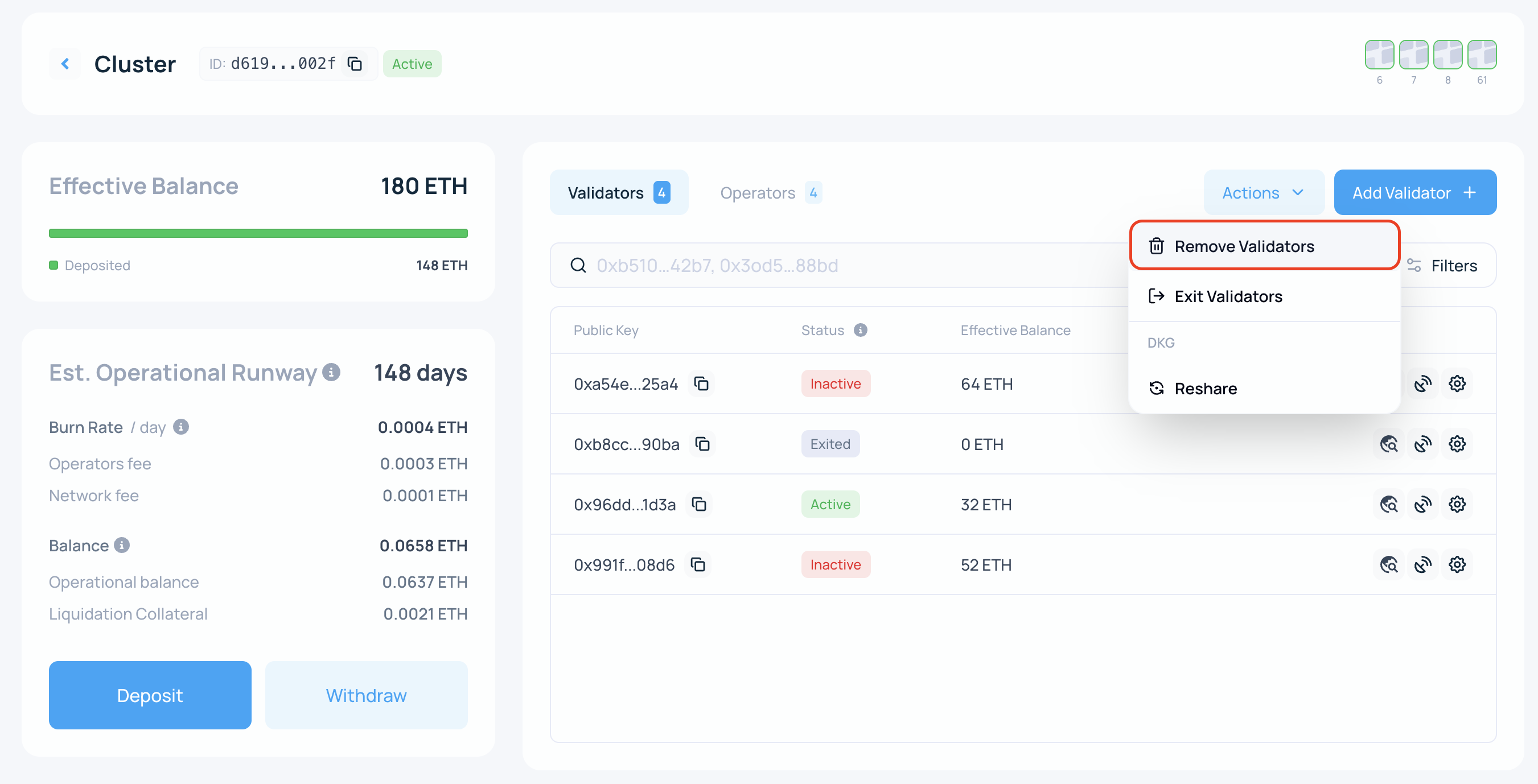
On the cluster page, click Actions and select Remove Validator.
4. Select the validators
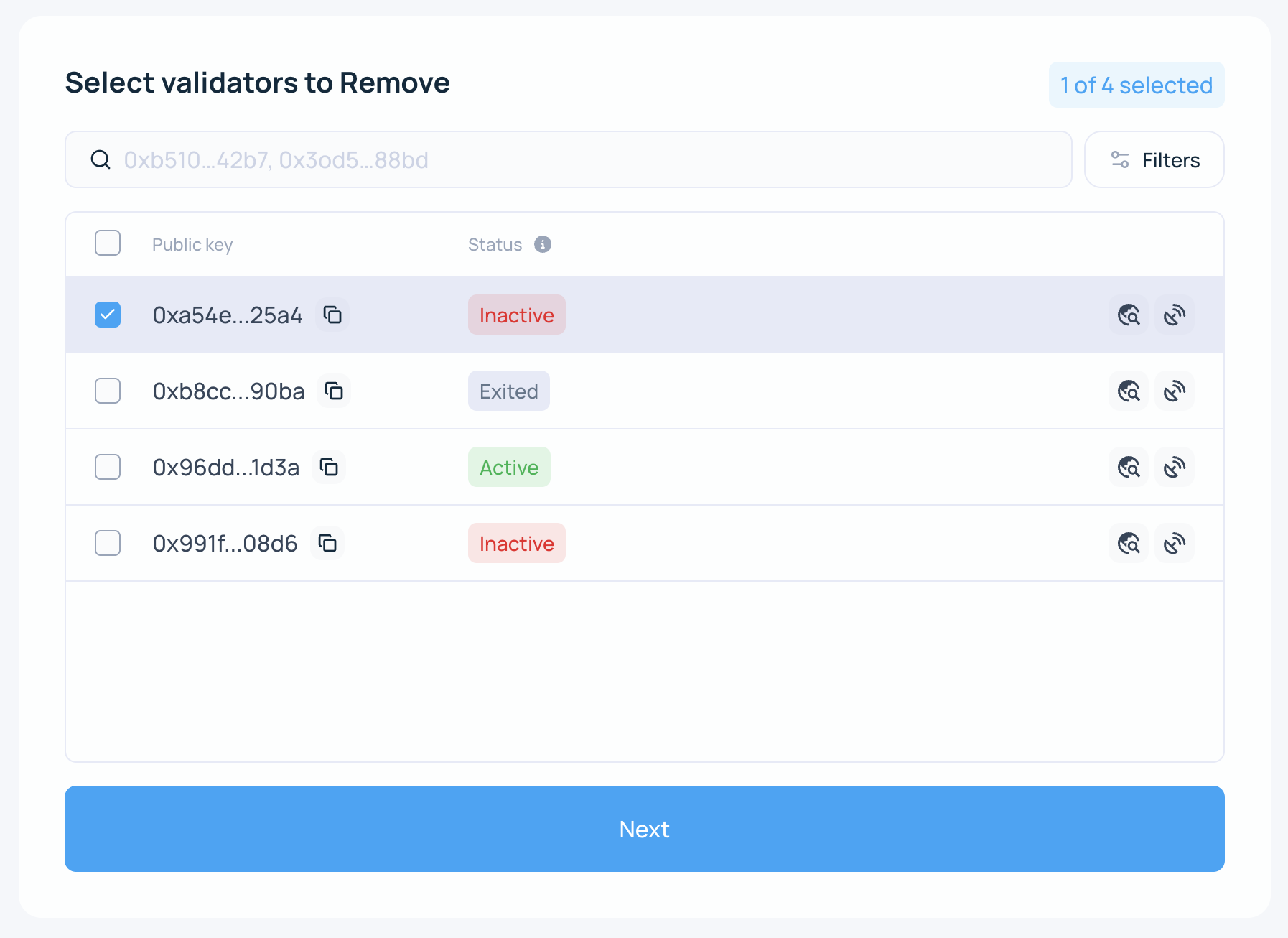
Select the validators you want to remove by public key, then click Next.
5. Review the warning
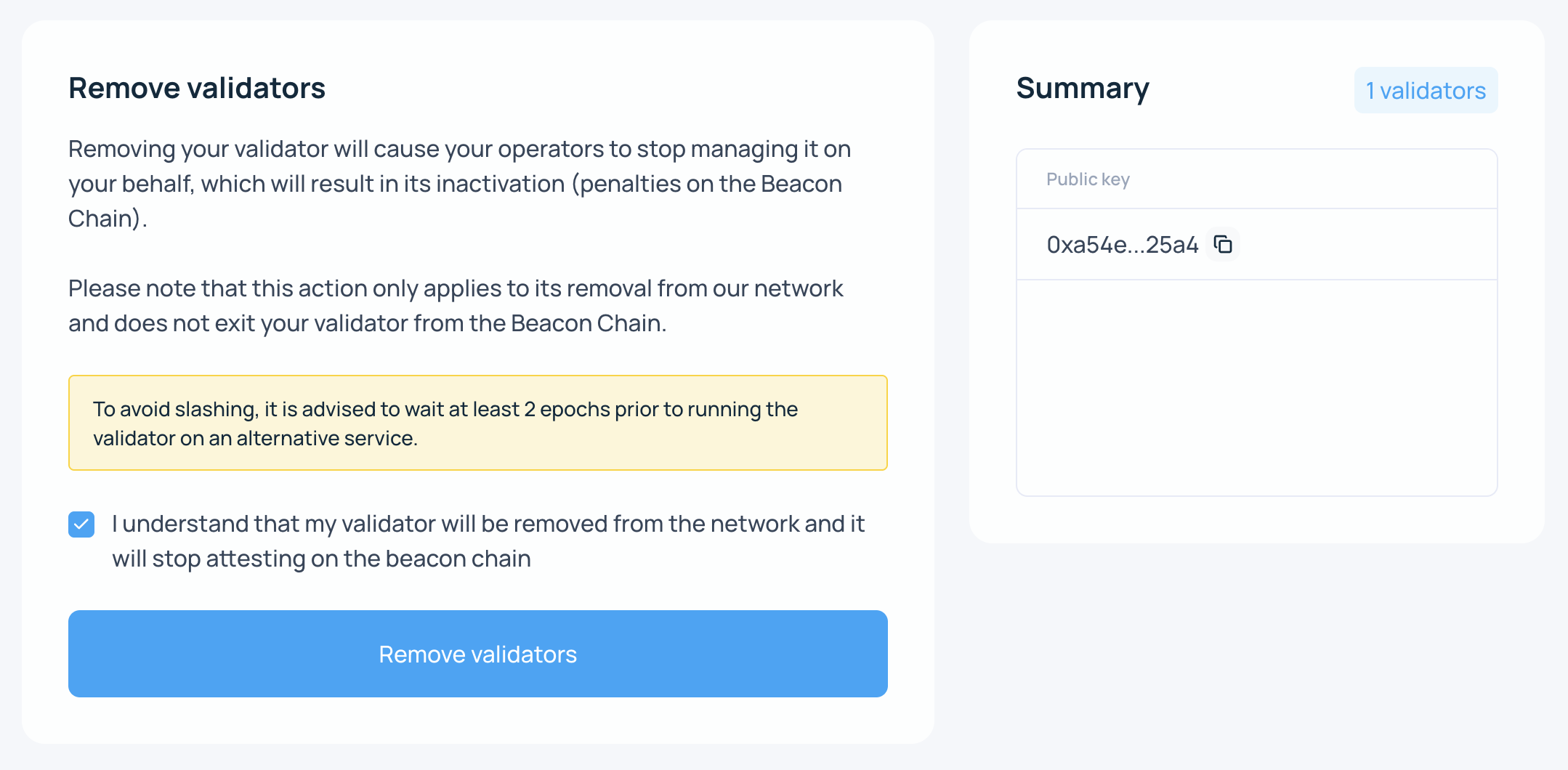
Removing a validator makes it go offline on SSV Network immediately. Removal is not reversible. To use the validator on SSV Network again later, you must register it again.
If the validator has not fully exited yet, removing it early can leave it offline while it is still active on Ethereum, which can lead to penalties.
If you are ready, acknowledge the warning and click Remove Validator.
6. Sign the transaction
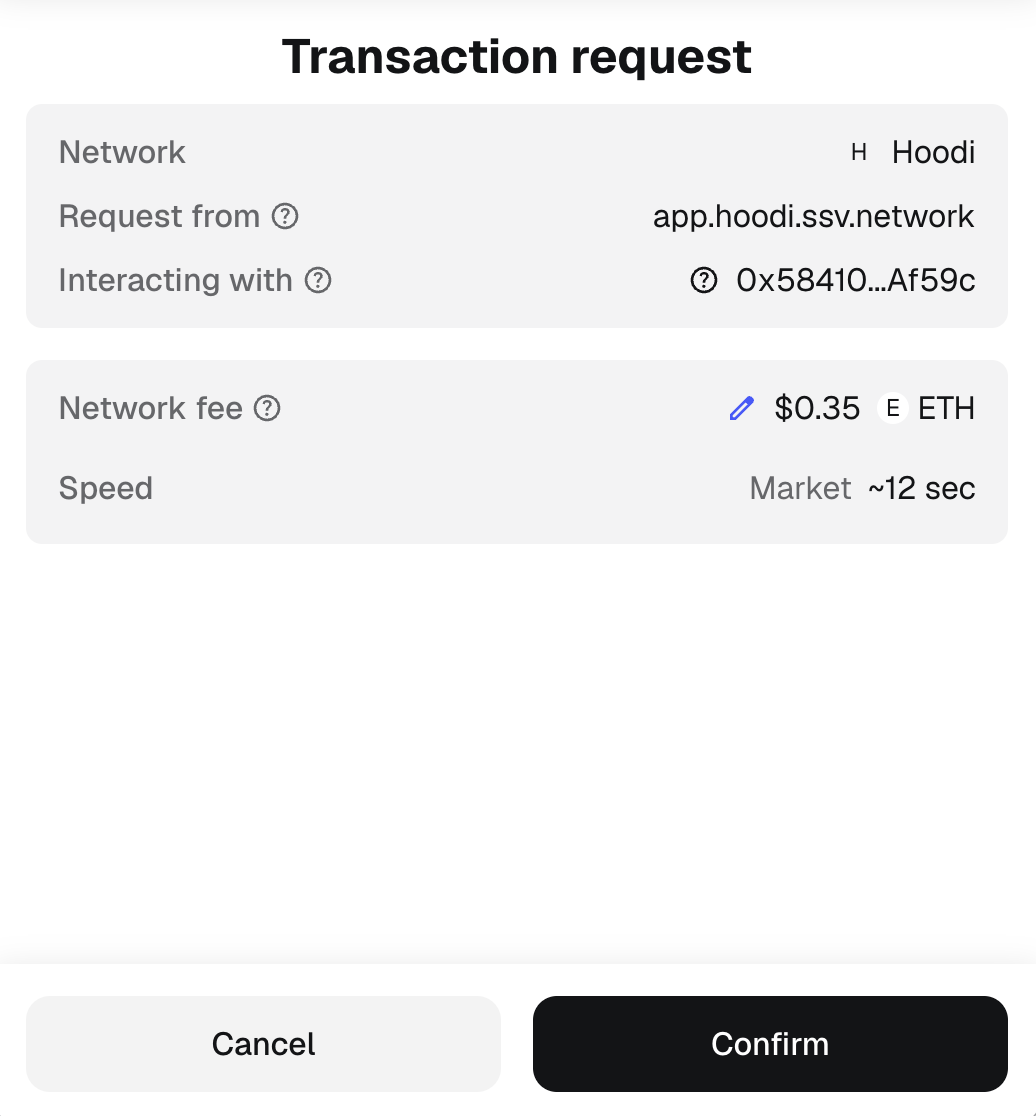
Sign the transaction to confirm removal.
7. Confirm the result
After the transaction is confirmed, the validator is removed from the cluster and is no longer handled by operators on SSV Network.