Withdraw ETH from a Cluster
You can withdraw ETH from a cluster balance at any time, but you must leave enough ETH in the cluster to cover ongoing fees and the required liquidation collateral.
Withdrawing too much ETH can push the cluster below its required balance. If that happens, the cluster may become liquidatable as fees continue to accrue.
1. Connect your wallet
Connect the Web3 wallet that owns the cluster in the Web App.
2. Select the cluster
On My Account, open the active cluster and click Withdraw.
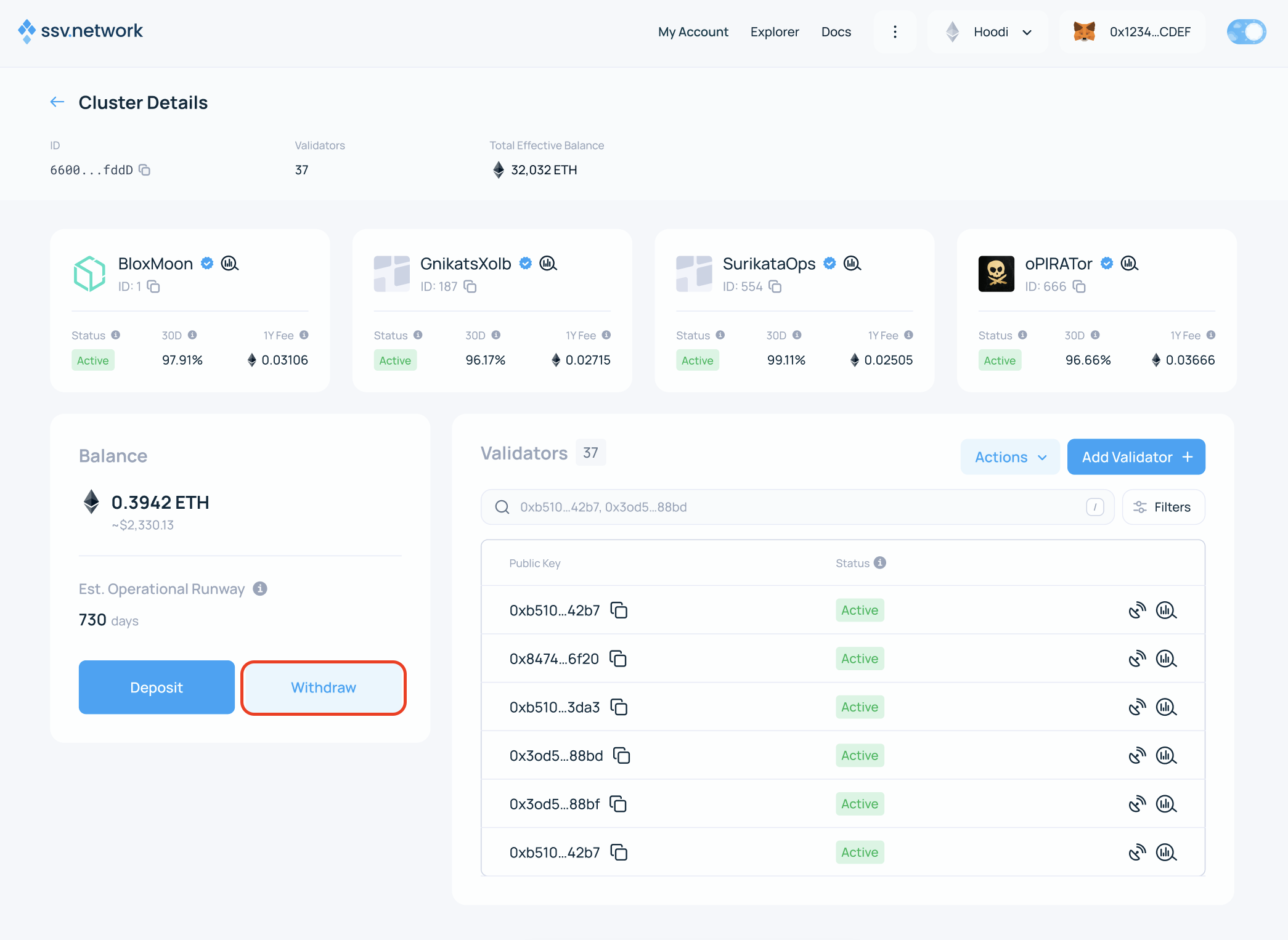
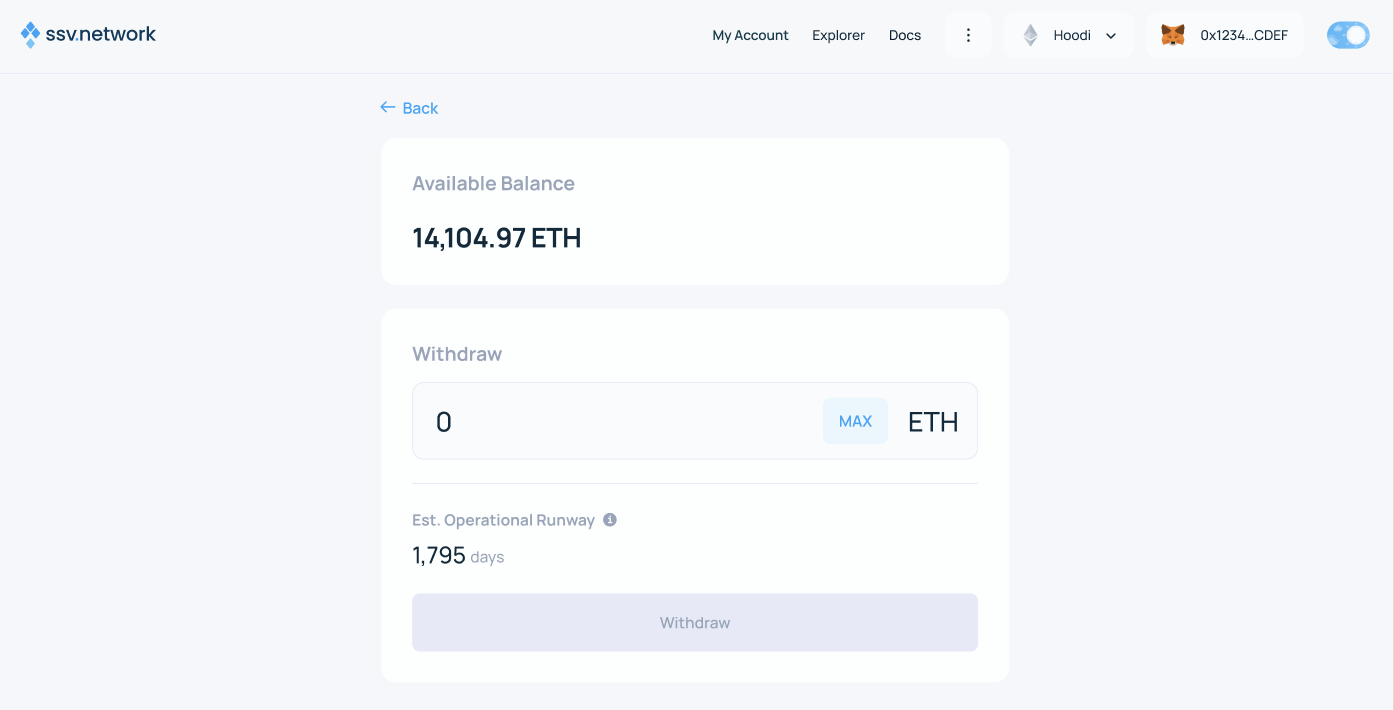
3. Enter the withdrawal amount
If you try to withdraw the full balance, the Web App will show additional warnings because the cluster may no longer have enough ETH to stay active.
Click Withdraw to continue.
4. Sign the transaction
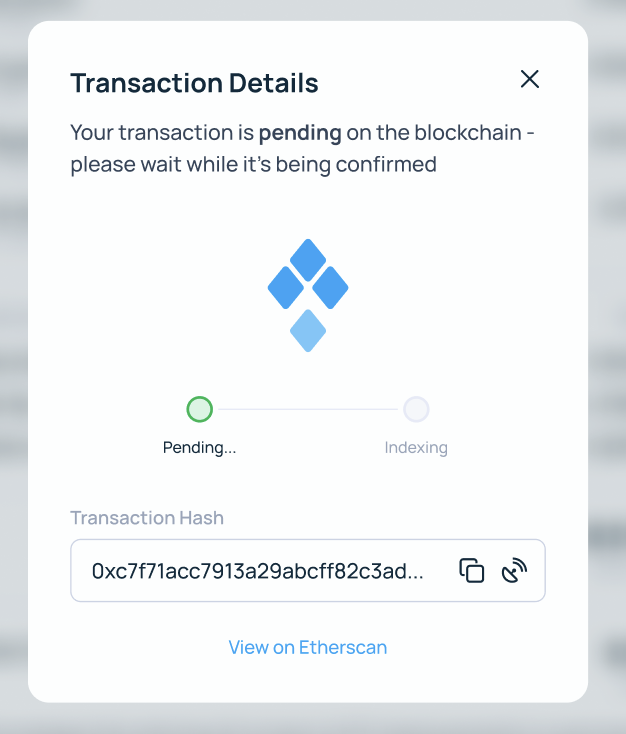
The Web App prepares a transaction to the SSV Network smart contract. Sign it to confirm the withdrawal.
5. Confirm the result
After the transaction is confirmed, the cluster page shows the updated balance and the withdrawn ETH is sent to your wallet.