Removing an Operator
Irreversible Changes
This process is irreversible. Removed Operators cannot be reactivated or re-registered in the future. Read more in the Learn section.
Trying to register an Operator again with the same private key will fail. If you need a new Operator, generate a new key first.
Connect the same wallet you used to register the Operator in the Web App.
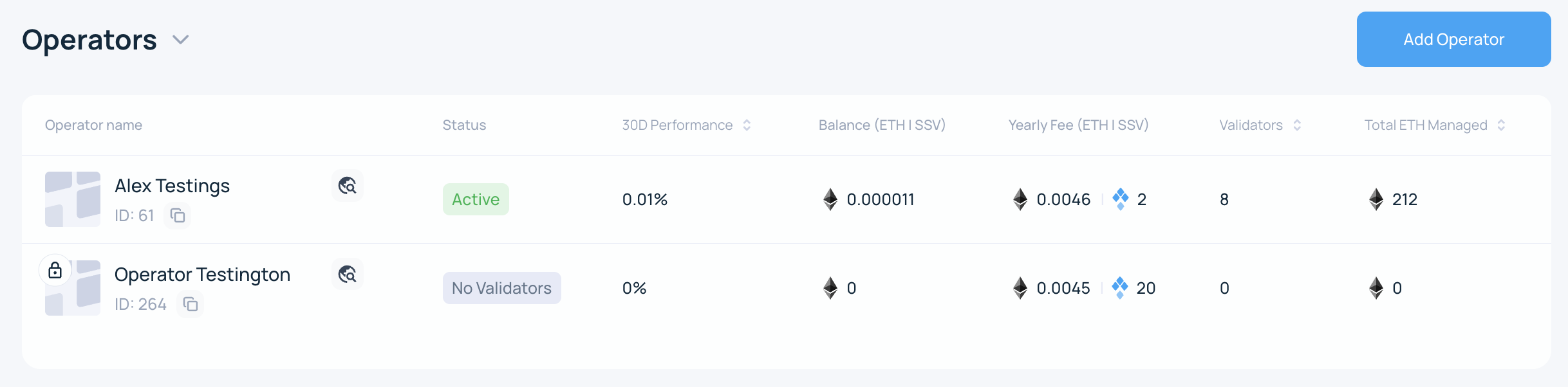
- Browse to the My Account page and select the Operator you want to update.
- Click on the three vertical dots on the top-right corner. From the dropdown, choose the Remove Operator option.

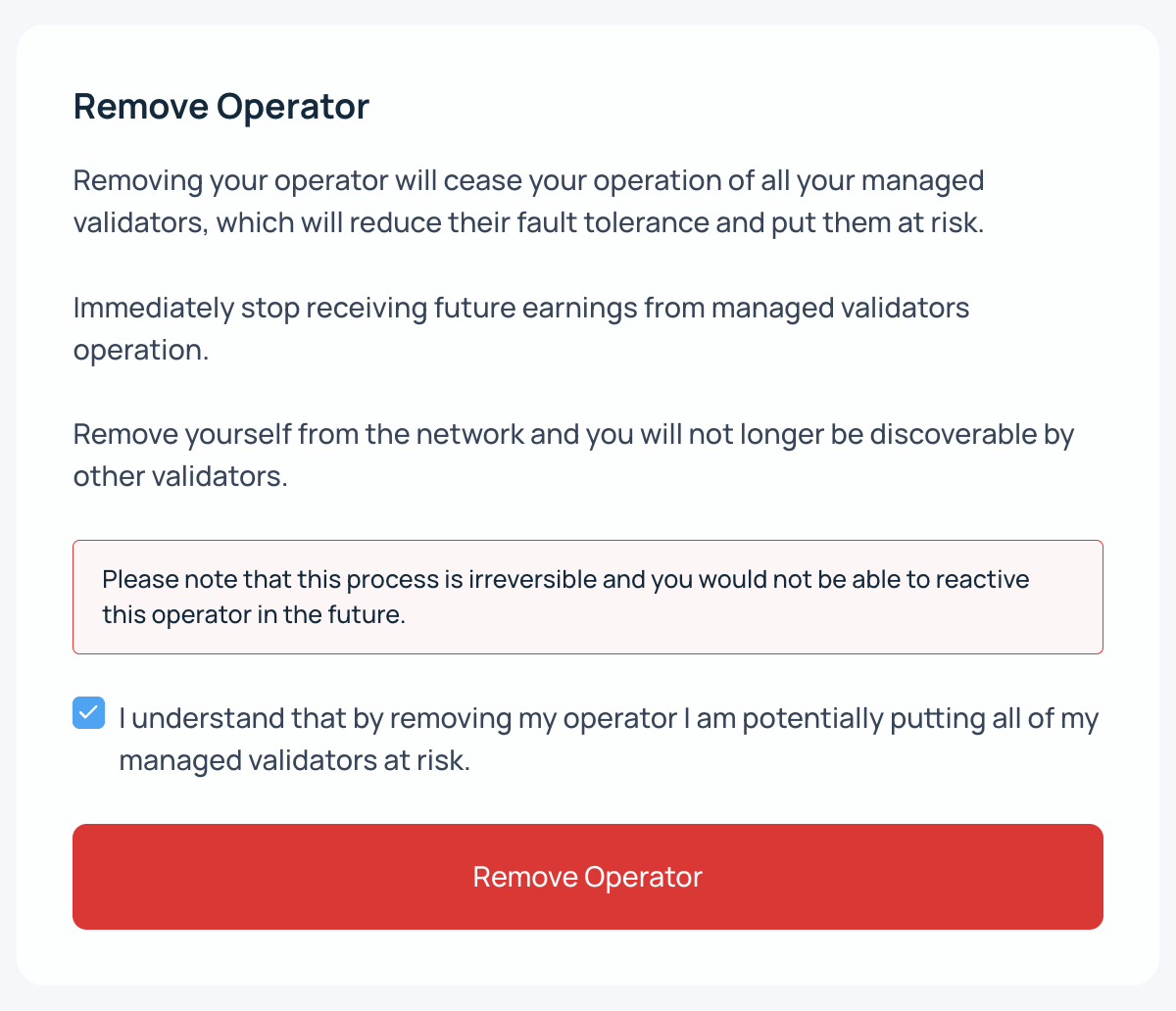
- Acknowledge the warnings
The screen provides information about the consequences of this action and asks for a confirmation by ticking a checkbox. To confirm, click on the Remove Operator button.
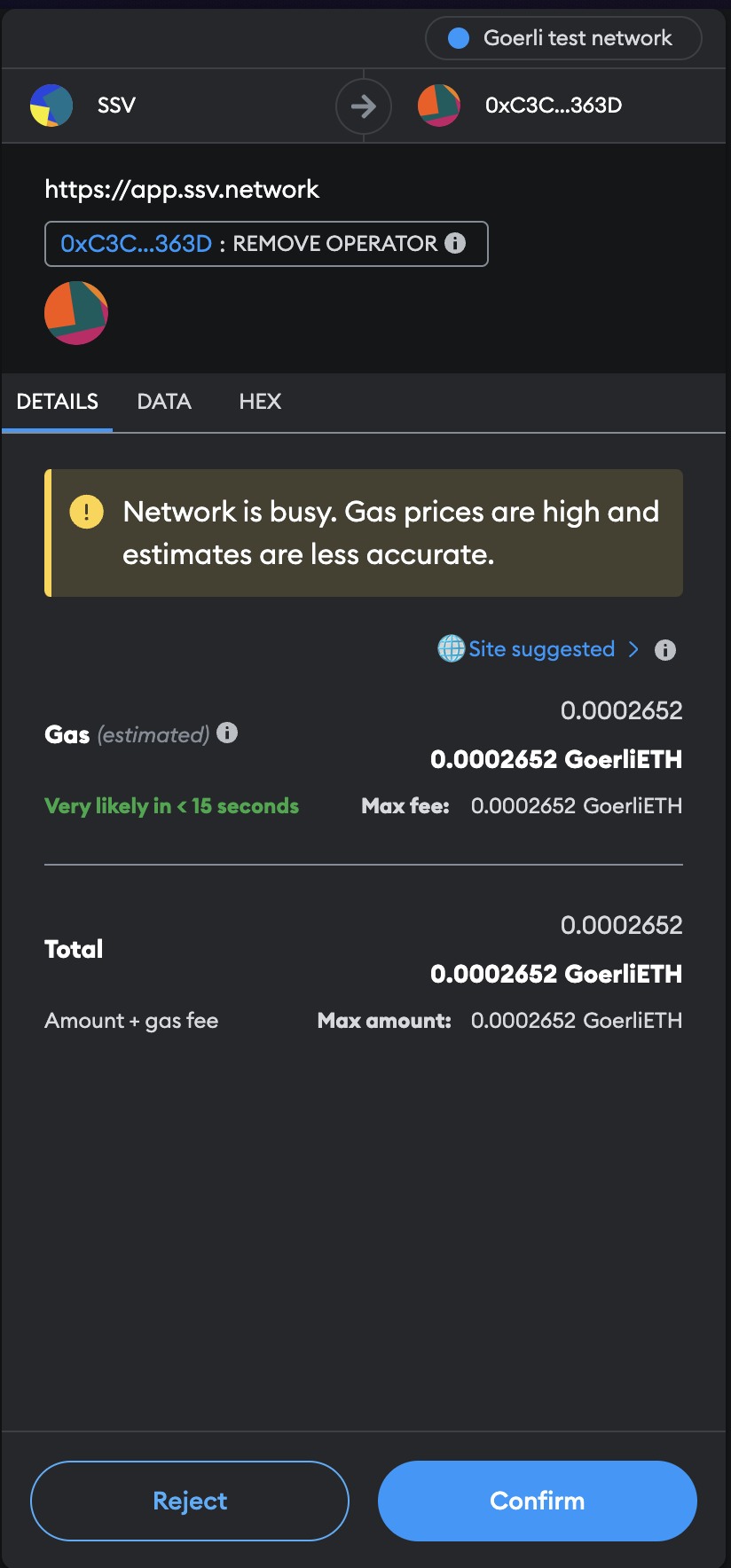
- Sign the transaction to finalize removal
The Web App creates a smart contract transaction. Open your wallet if needed and confirm the transaction.
- Done!
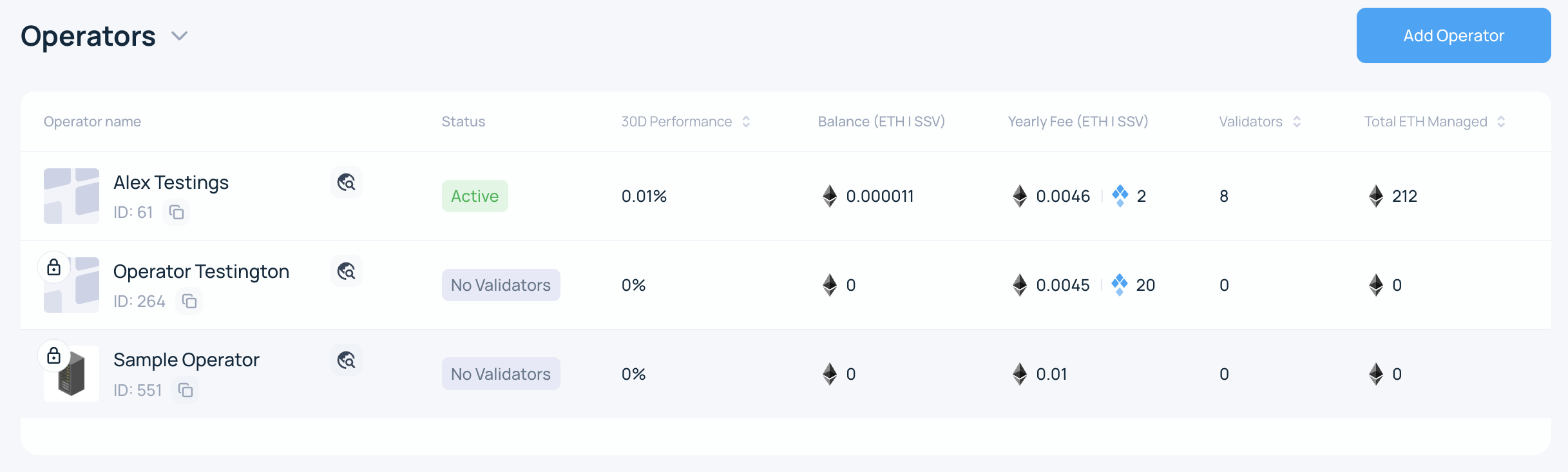
Once the transaction is confirmed, the Operator is removed from SSV Network.