Withdrawing Earnings
Connect the same wallet you used to register the Operator in the Web App.
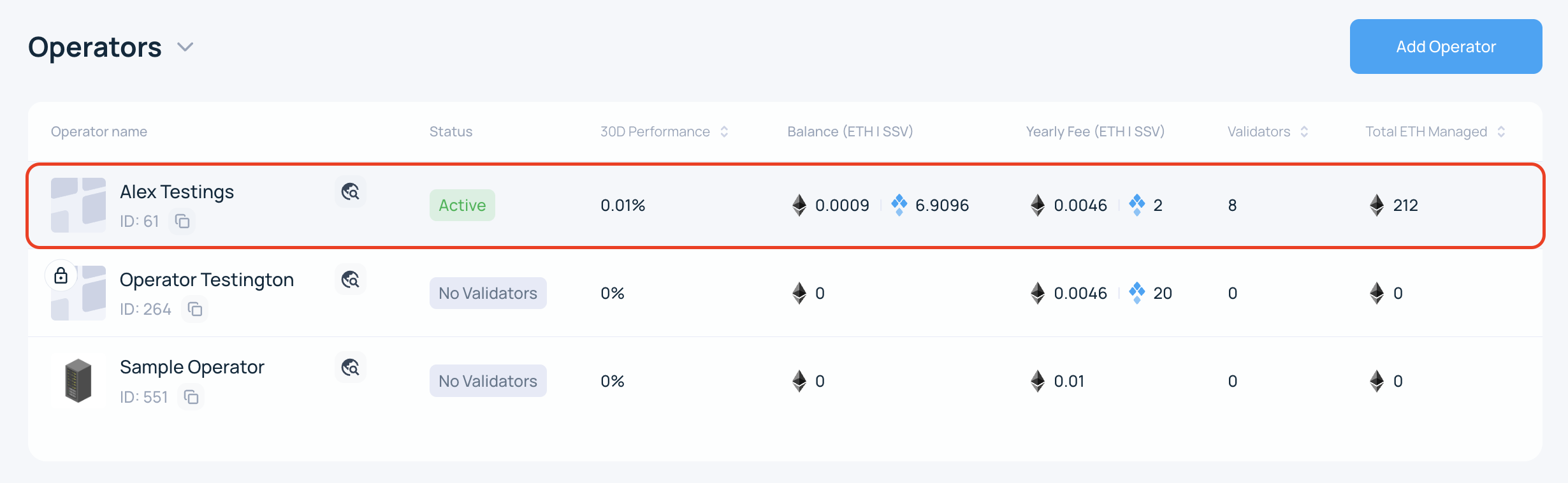
- Browse to the My Account page and select the Operator you want to withdraw from.
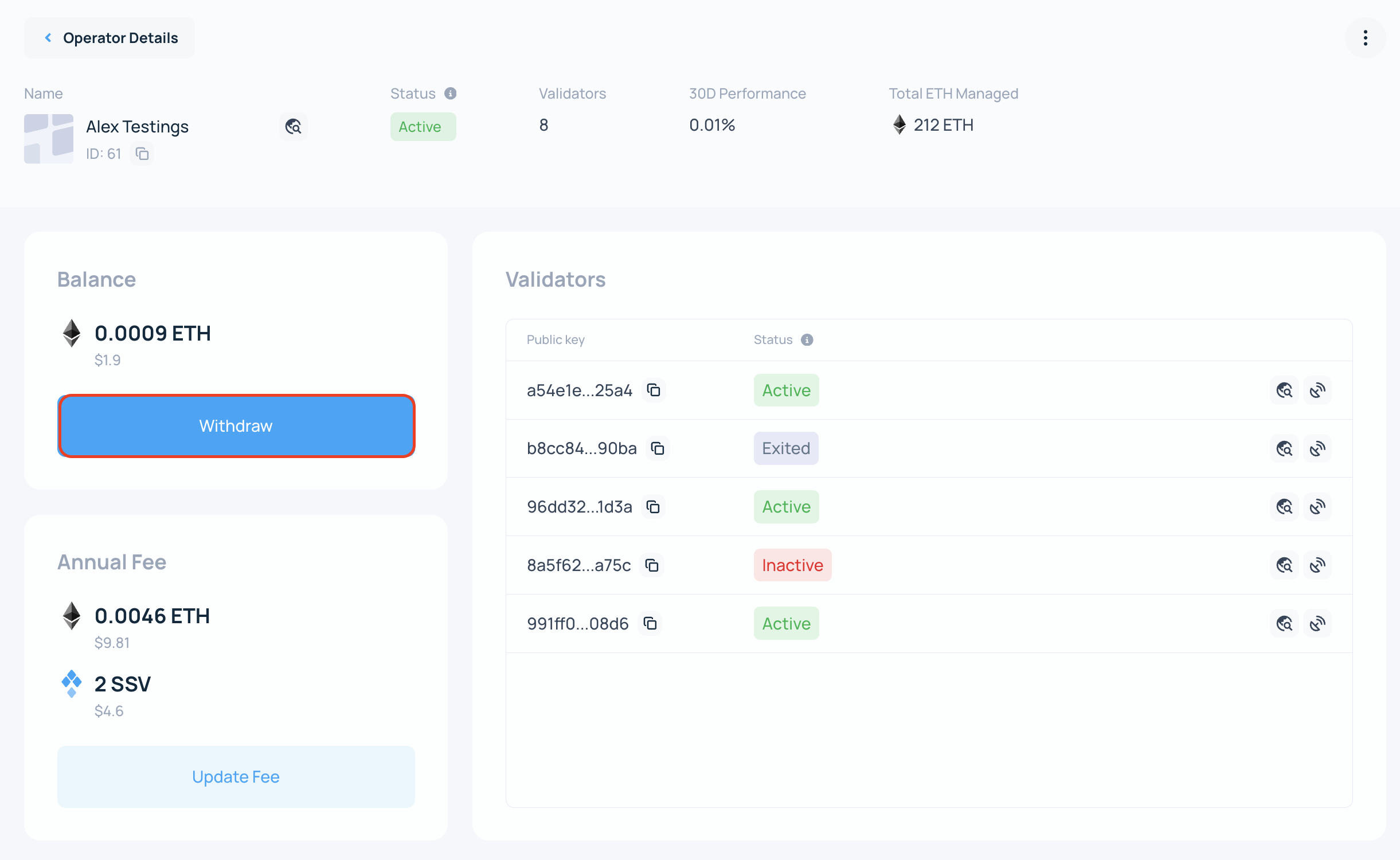
- Click the Withdraw button at the bottom of the screen.
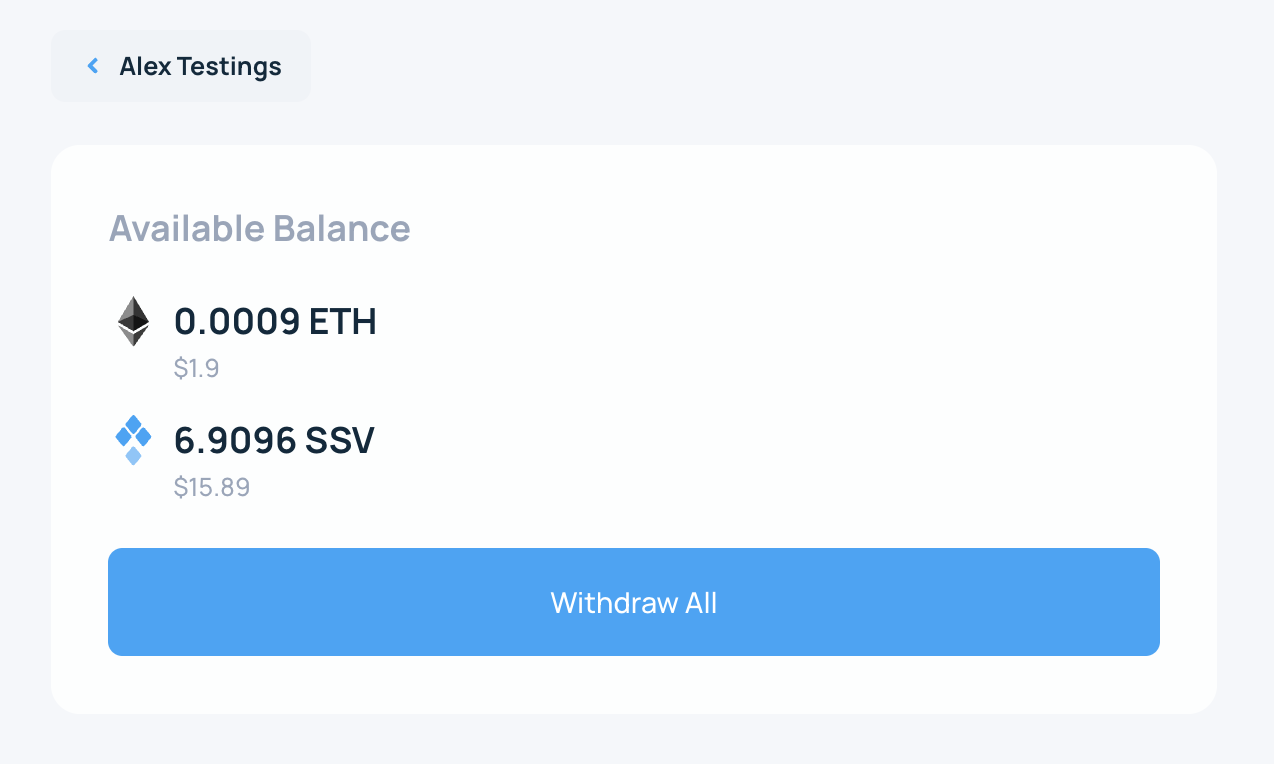
- Click on the Withdraw all button.
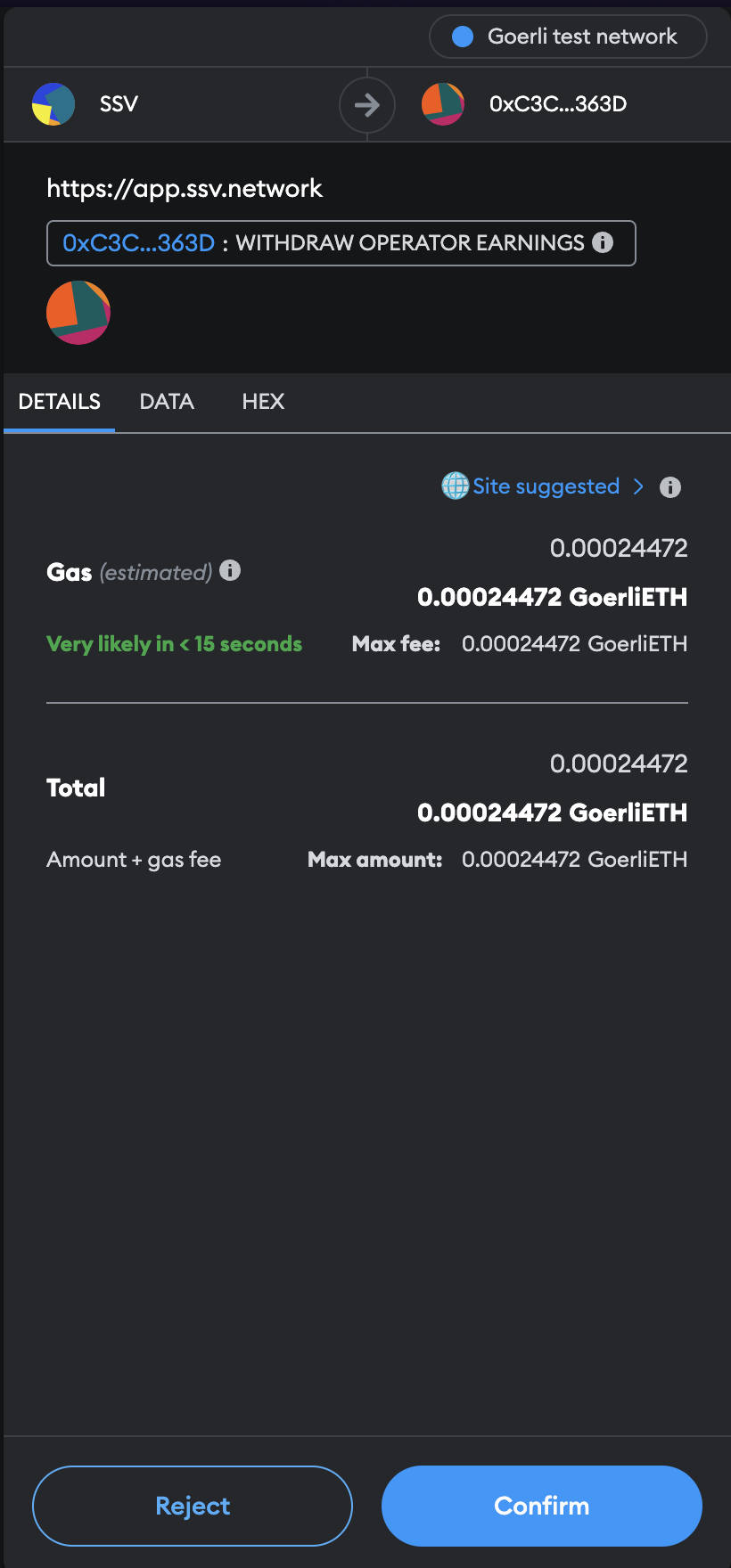
- Sign the transaction.
A smart contract transaction is created. Open your wallet if needed and confirm the transaction.
- Done!
The Web App updates while the network confirms the transaction. Once confirmed, the funds are transferred to the Operator owner wallet.