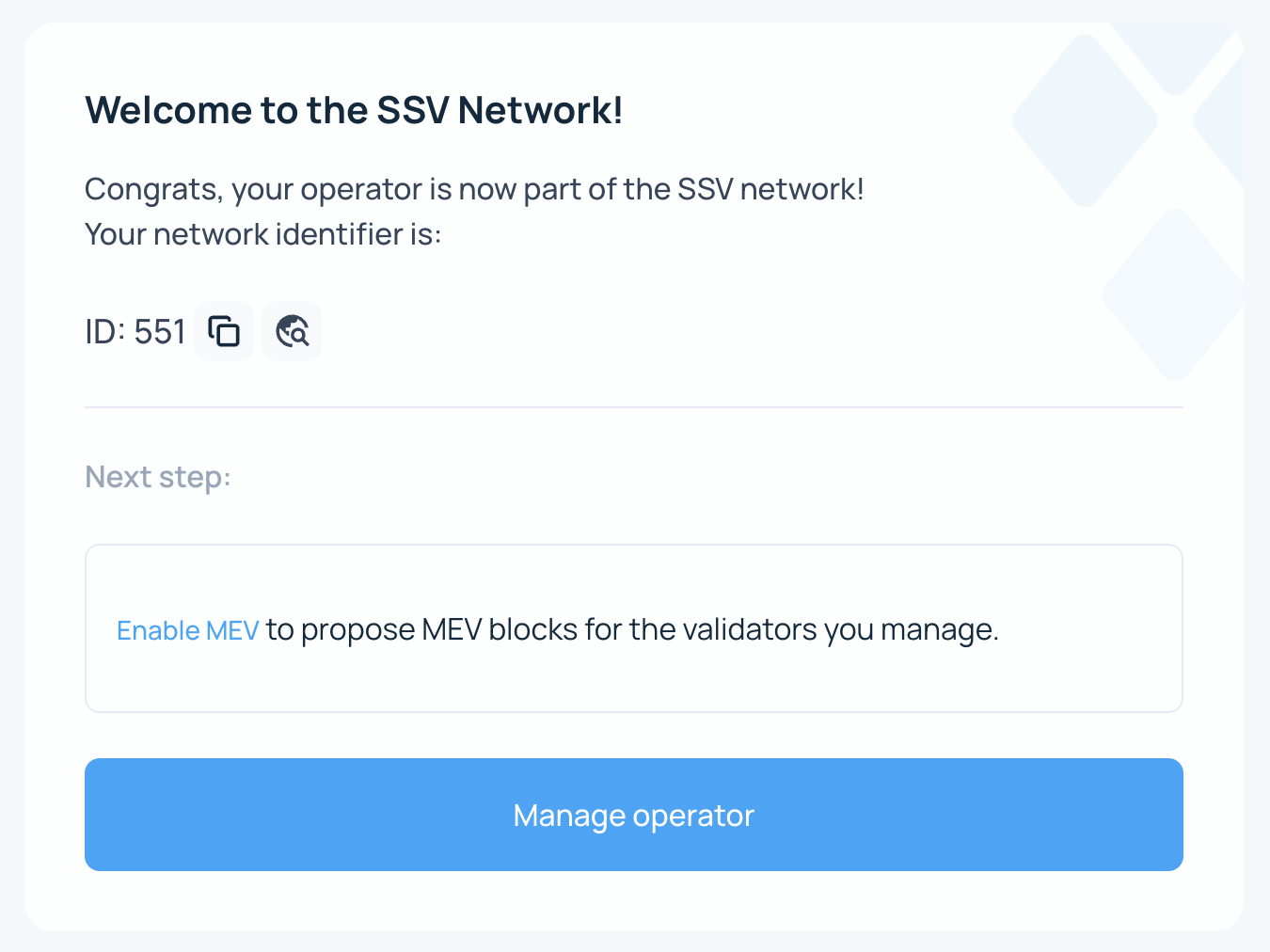
Registering an Operator
After successfully running an SSV Node, you must register your Operator on SSV Network before validators can discover it. You can register through the Web App or by sending a transaction directly to the smart contract.
Prerequisites
To register your Operator, prepare the following:
- Operator public key - generated during node installation
- Operator fee - the fee charged per every 32 ETH managed
Registering an Operator on the Web App
The Operator key and owner address cannot be changed. Verify that the owner address matches the wallet you want to use to manage this Operator.
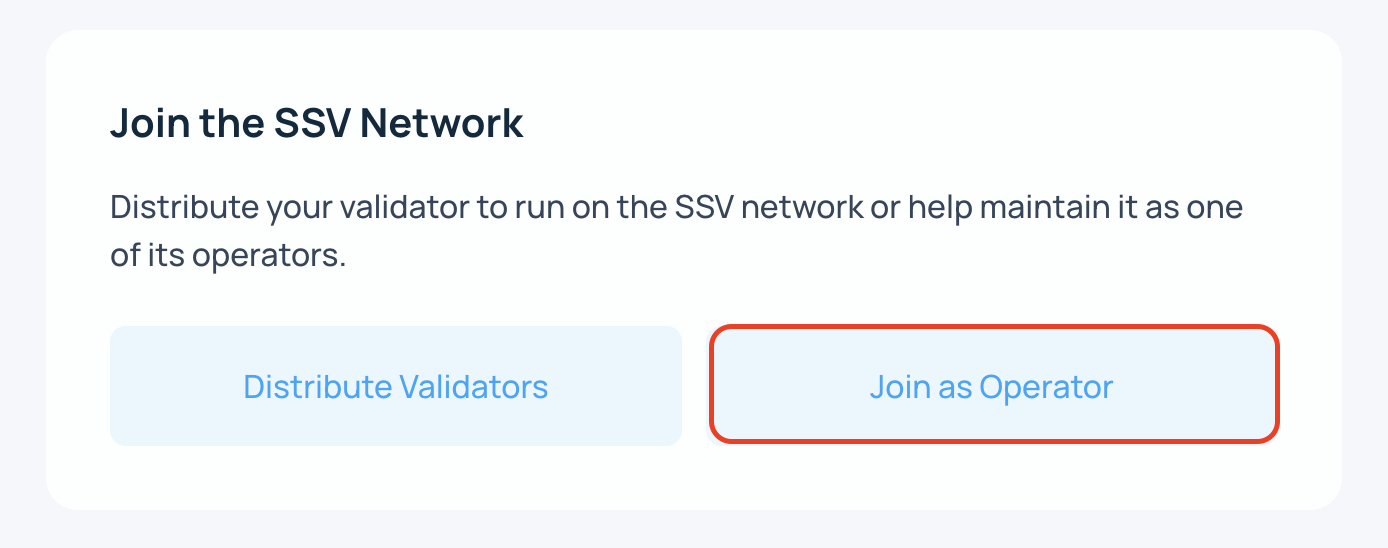
- In the My Account page, choose "Register Operator"
-
Select Join as Operator.
-
Provide the public key Enter the Operator public key, which you can find in the private key file, and confirm the Operator owner address.
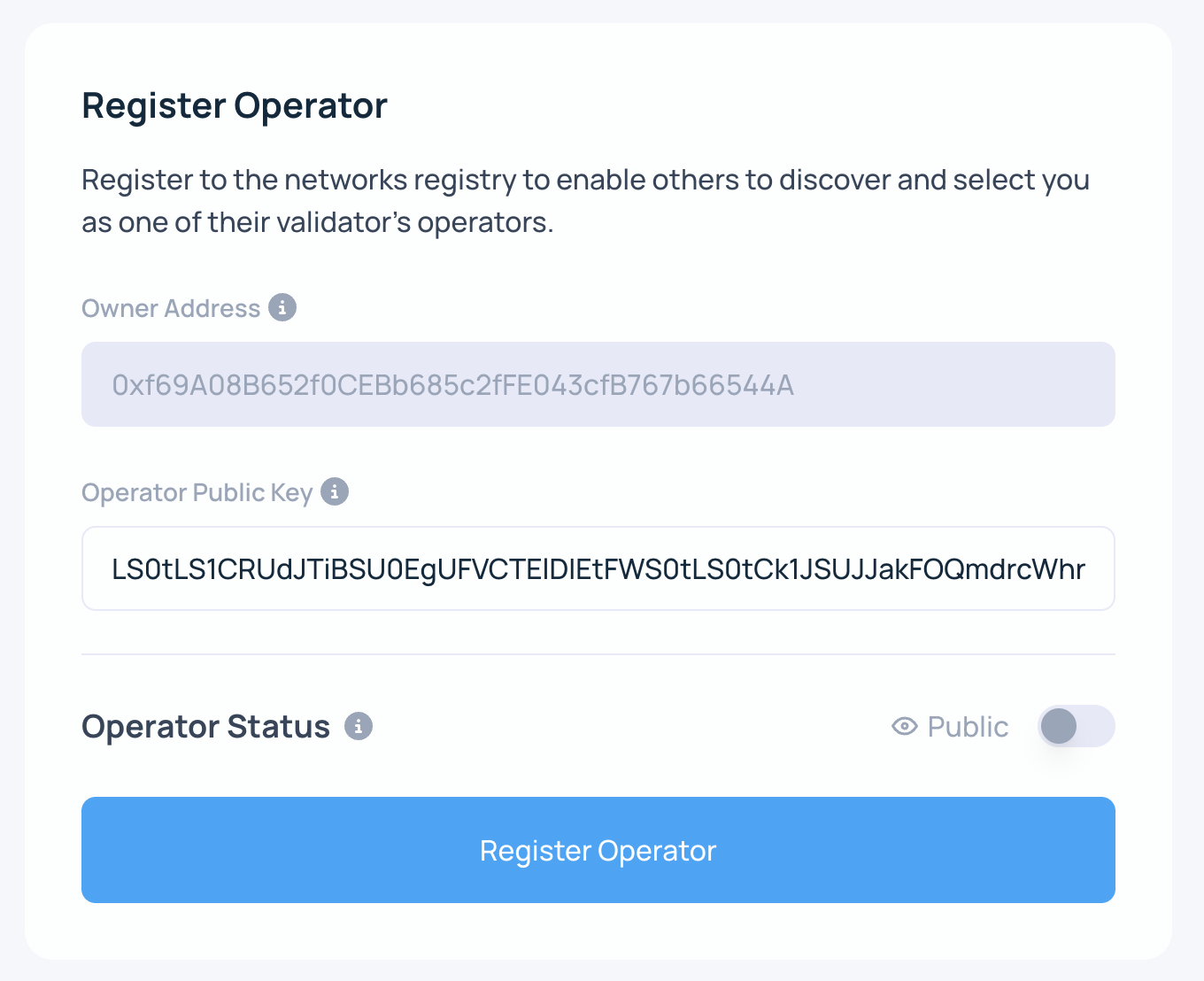
Also choose whether the Operator should be Public or Private. To learn more, see permissioned operators.
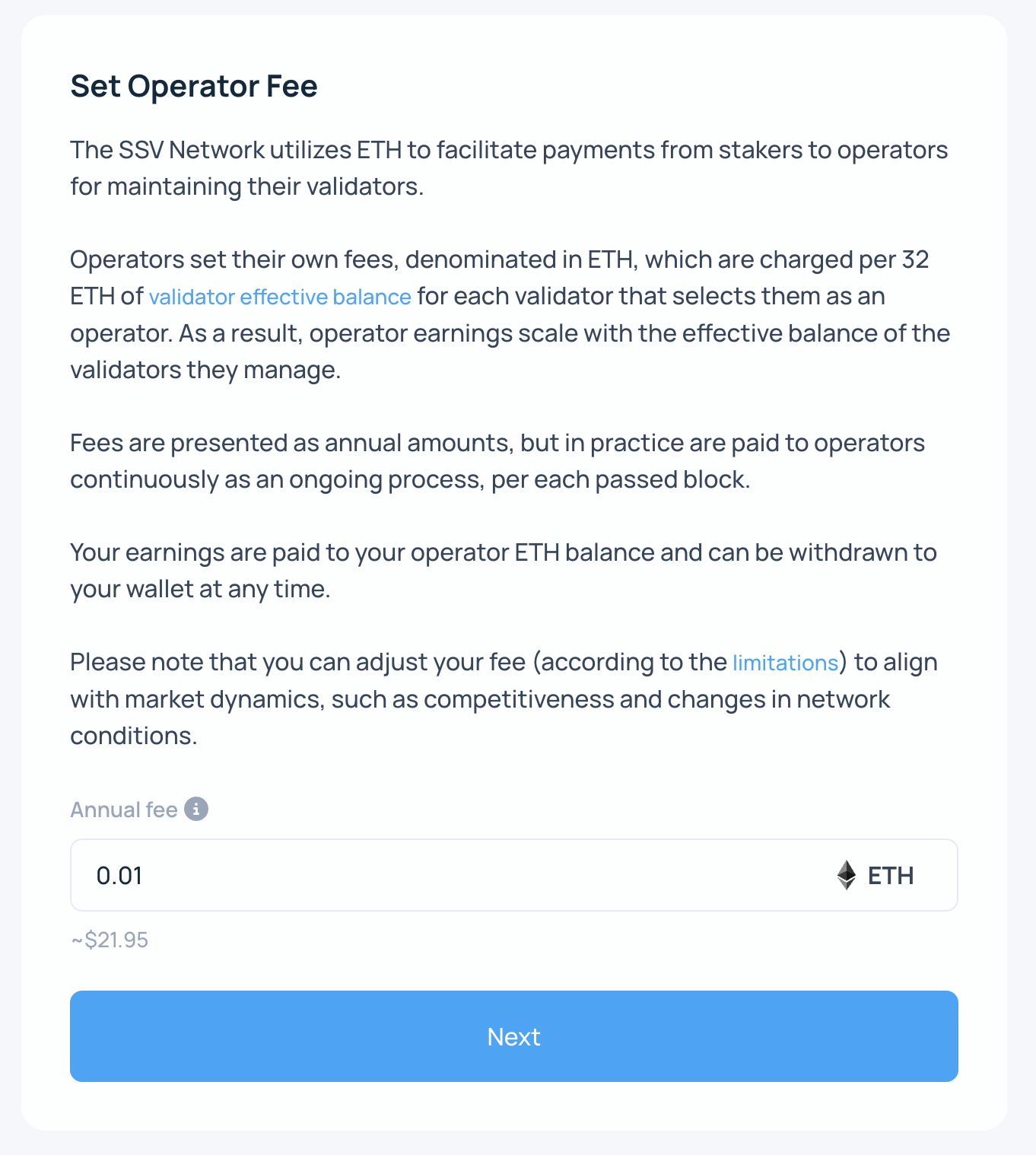
- Set the Operator Fee
You can update the Operator fee later, subject to protocol limits that protect Stakers.
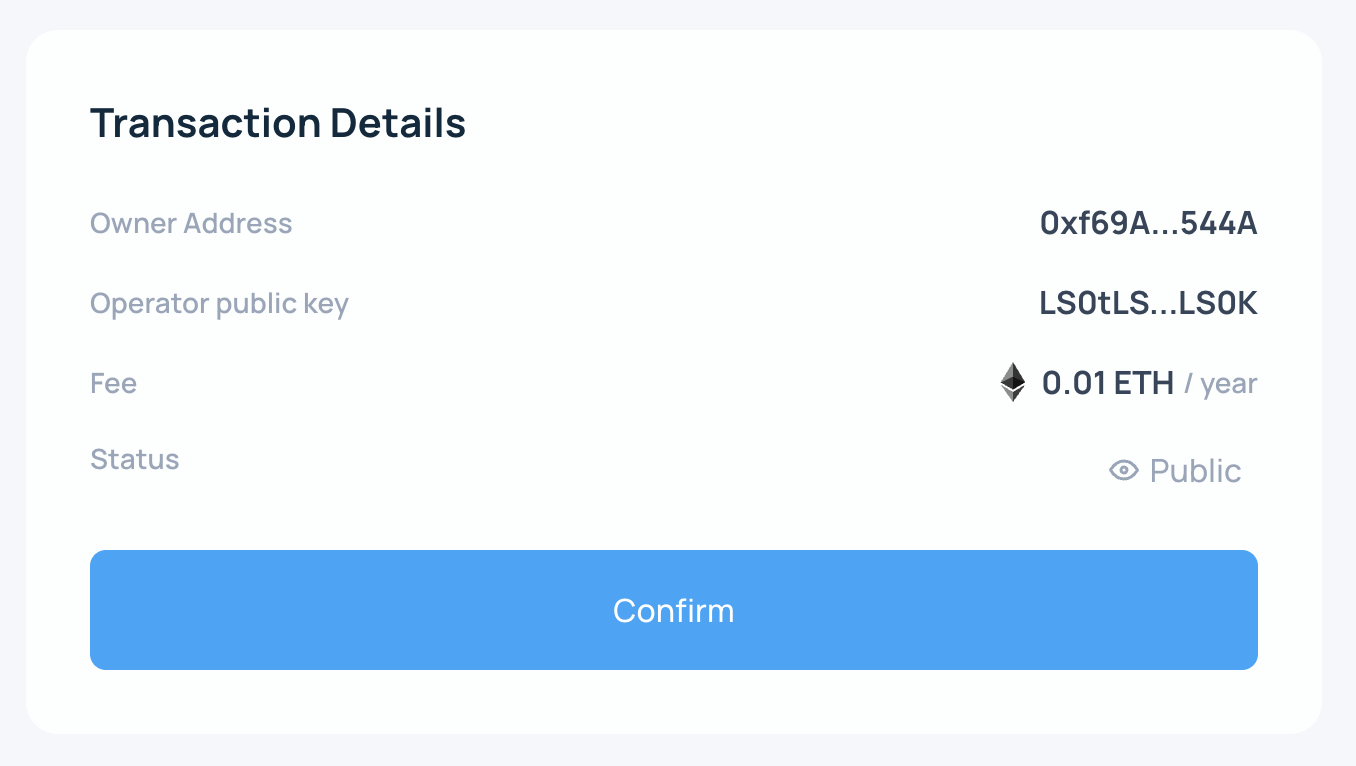
- Confirm operator details
This screen shows a summary of the details you entered. Review everything, then click Register Operator.
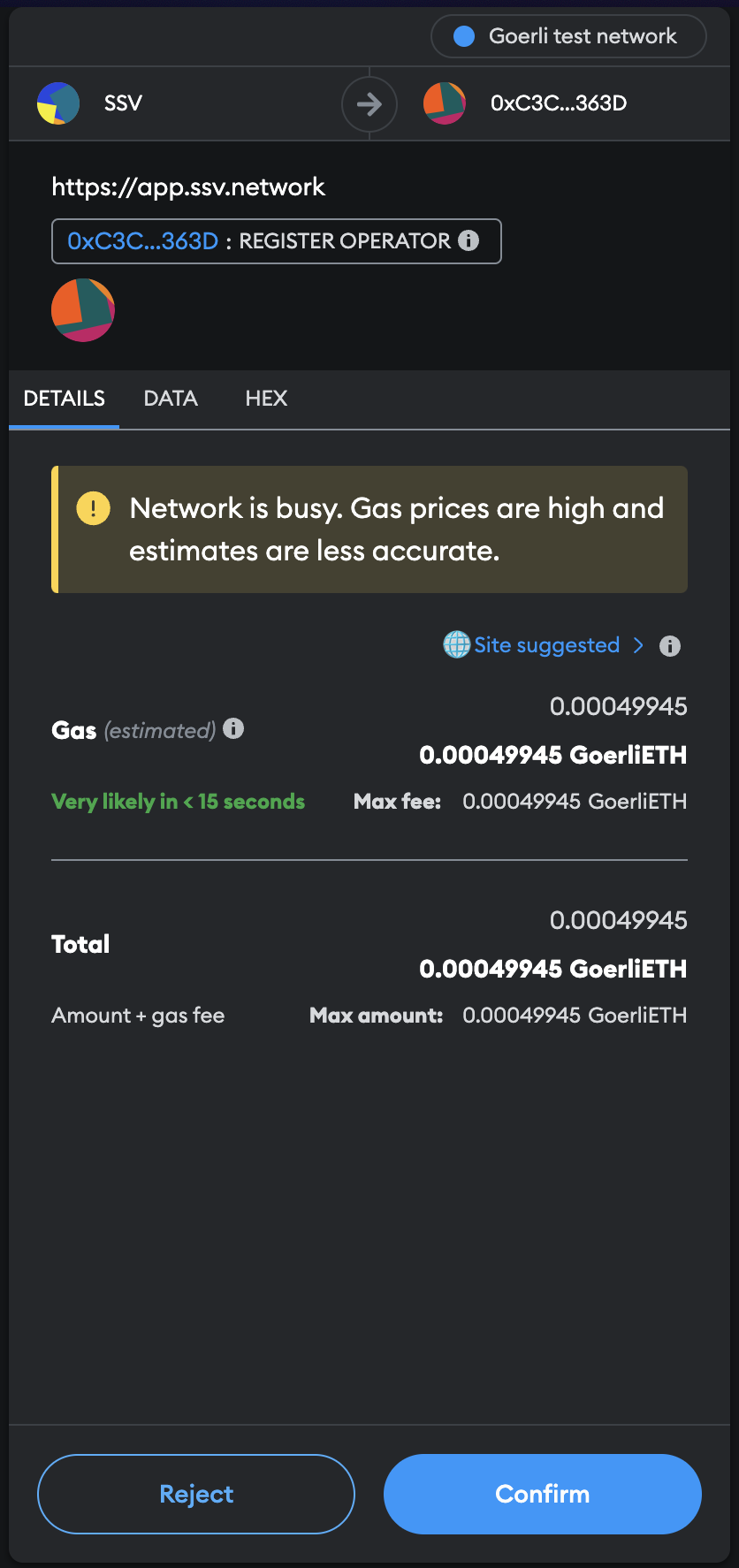
- Sign the transaction to finalize registration
The Web App updates while the network confirms the transaction.
- Done!
Your Operator is now registered and can be selected by Stakers.