Migrating to ETH
Overview
Legacy SSV-based clusters must be migrated to ETH-based fees to continue operating and to use current cluster-management actions.
What happens during migration
- You deposit ETH to fund the cluster's runway.
- Your remaining SSV balance is refunded automatically.
- The cluster switches to ETH-based fee accounting.
- Validators continue operating without interruption.
You do not need to withdraw SSV manually before migration. The migration flow returns the full SSV balance to your wallet automatically.
Before you begin
Make sure you have:
- access to the wallet that owns the cluster
- enough ETH for the initial runway and gas fees
- a funding target that gives you comfortable runway; 90 days is a common starting point
Migrate in the Web App
1. Connect your wallet
Connect the cluster owner wallet in the Web App.
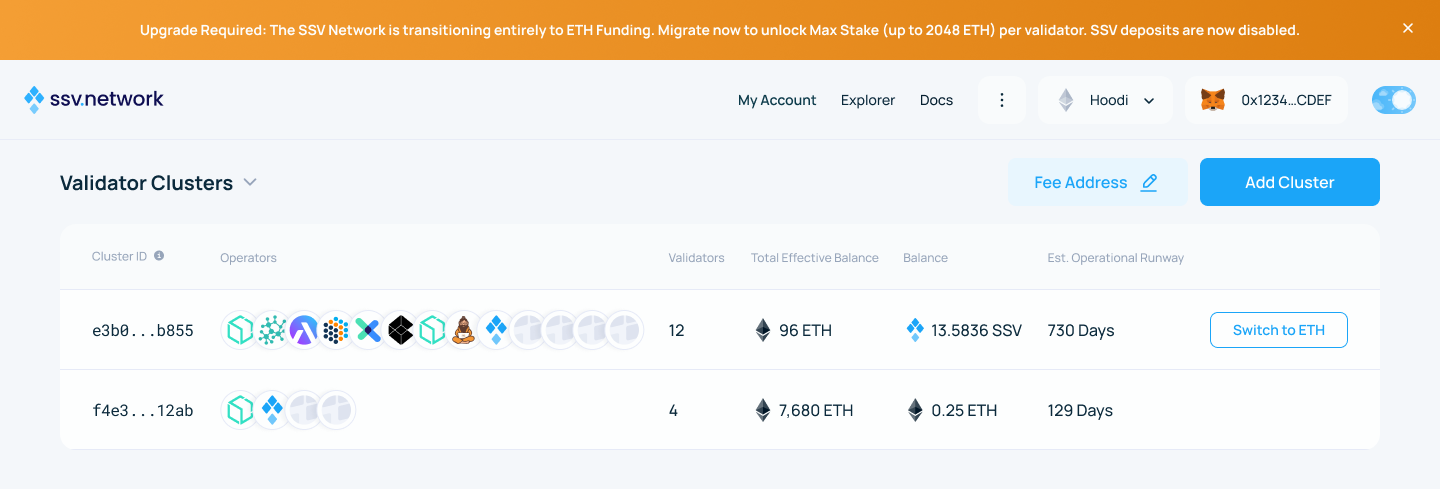
2. Select the cluster
Open the non-migrated cluster and click Switch to ETH.
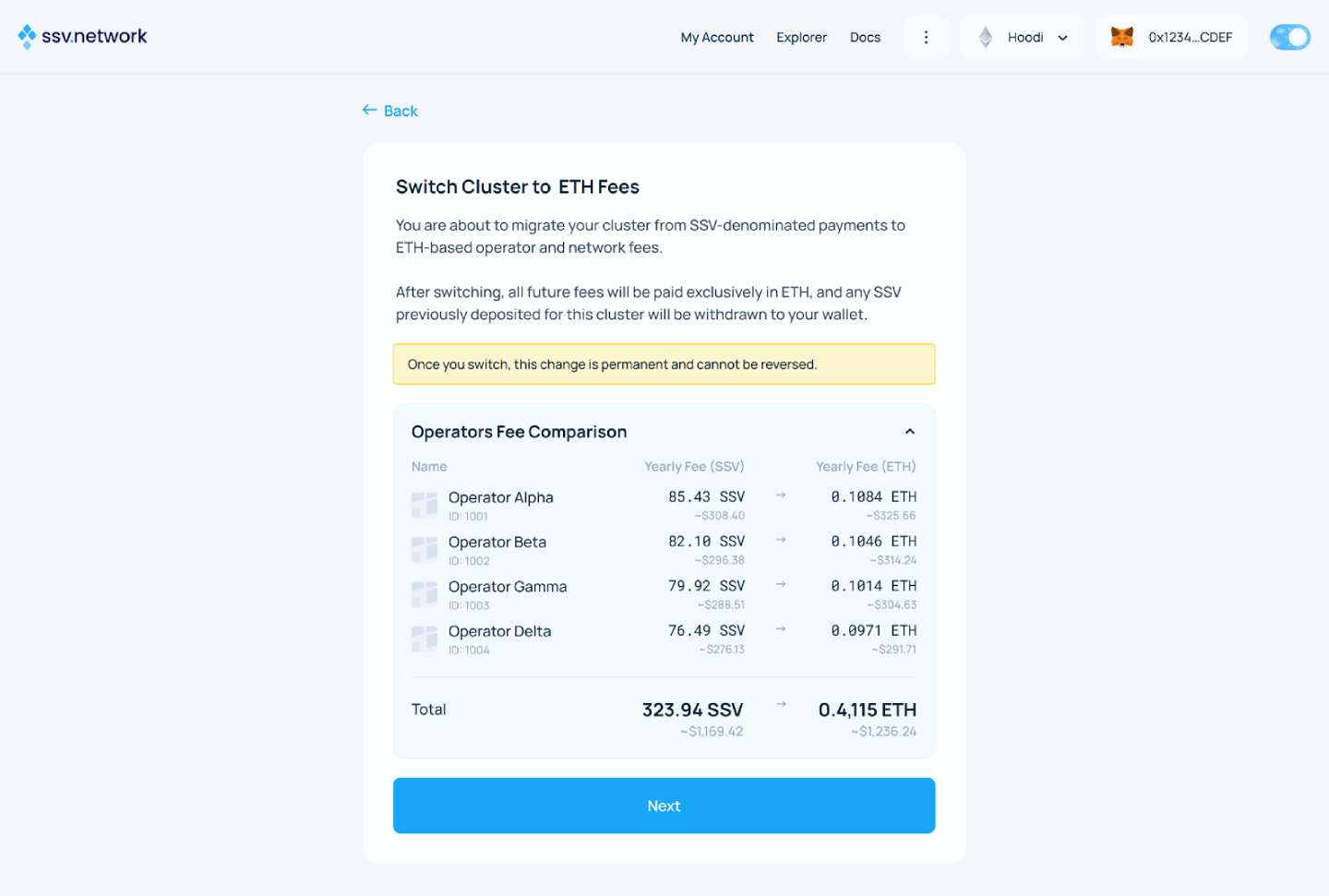
3. Acknowledge the fee warnings
Review and acknowledge the fee warnings and comparison.
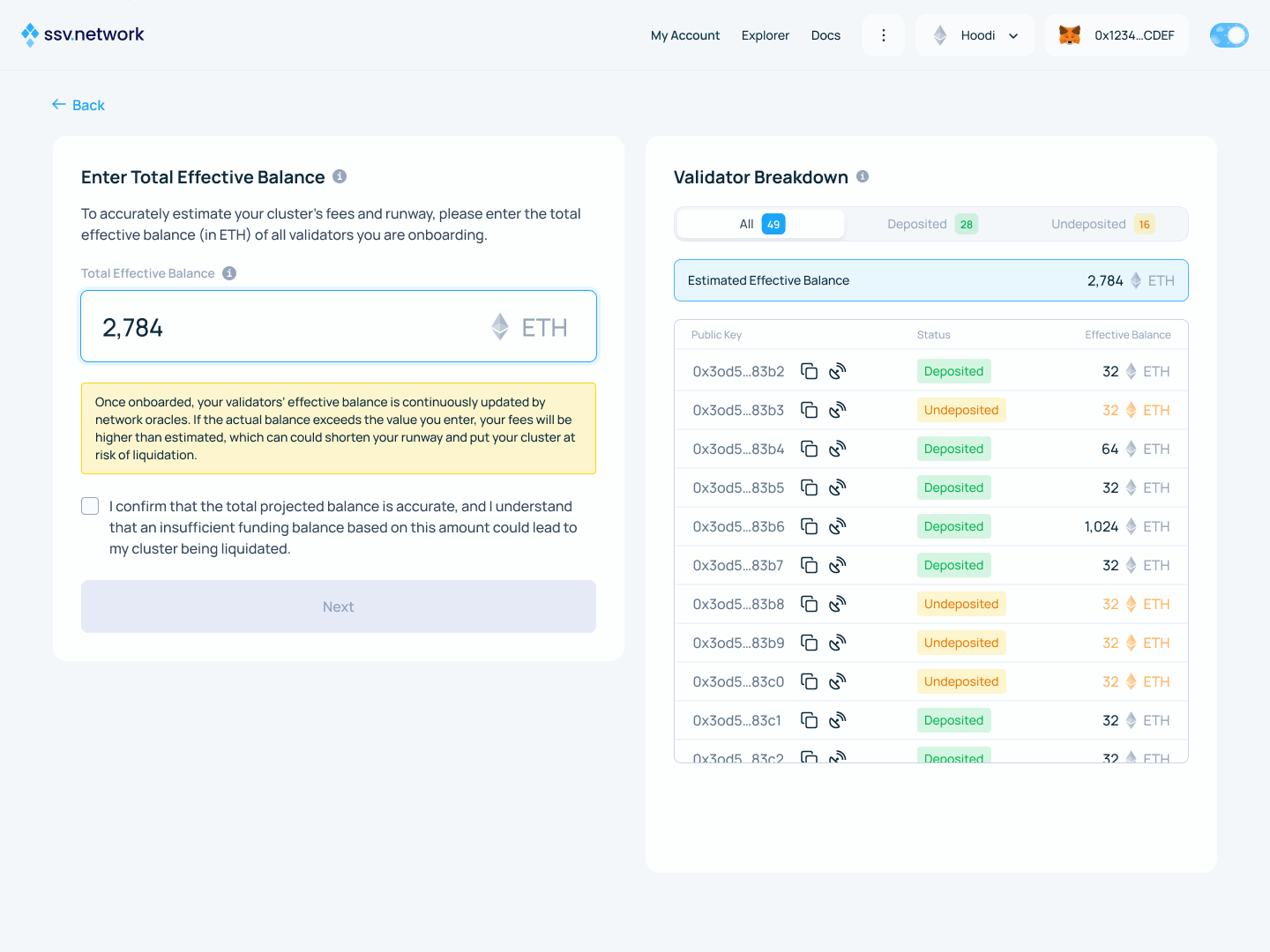
4. Enter the effective balance
Enter the total effective balance for all validators in the cluster. If you do not know the exact value, the Web App defaults to 32 ETH per validator.
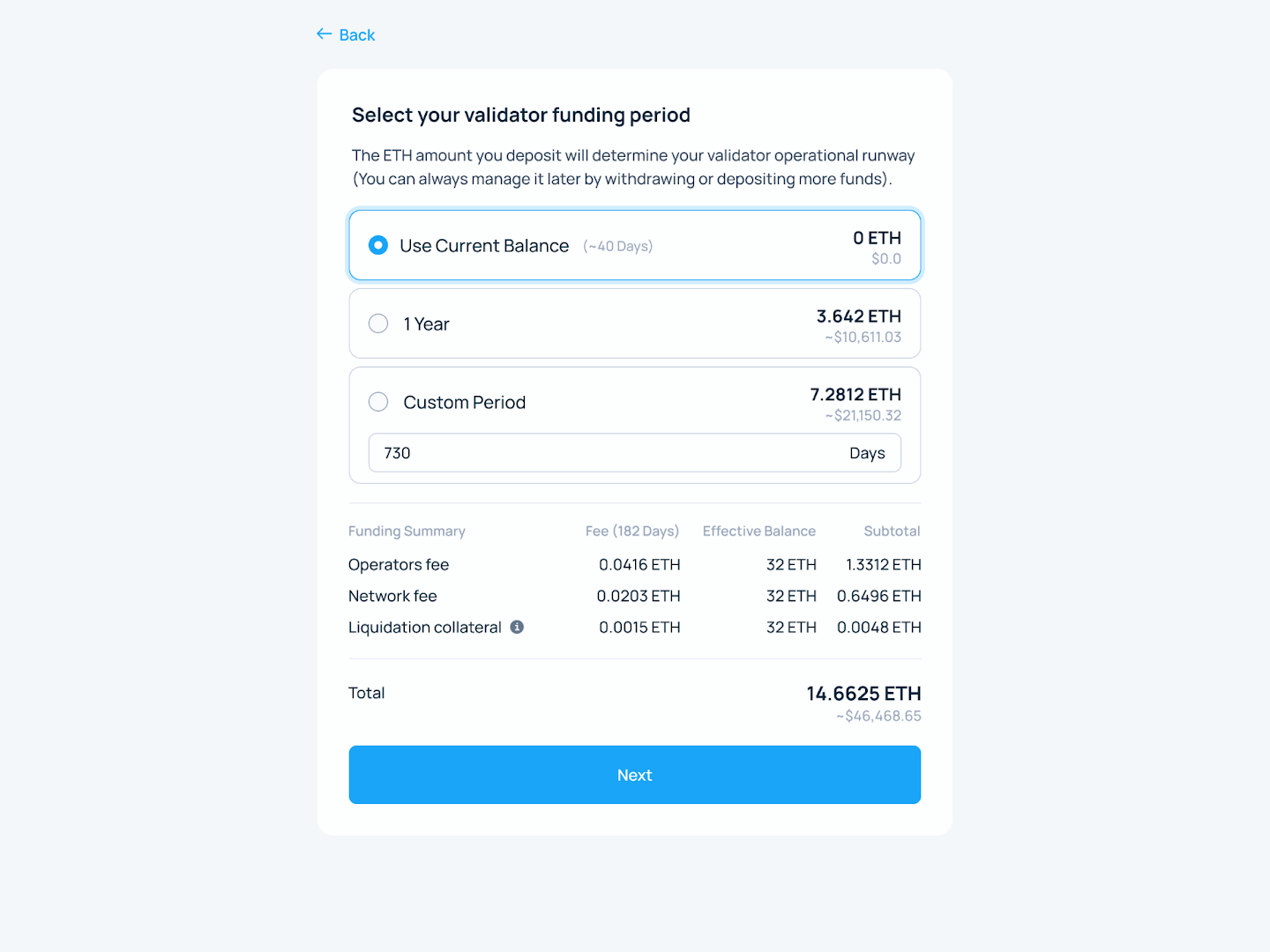
5. Choose the operational runway
Choose the runway based on the ETH-based yearly fees for the cluster.
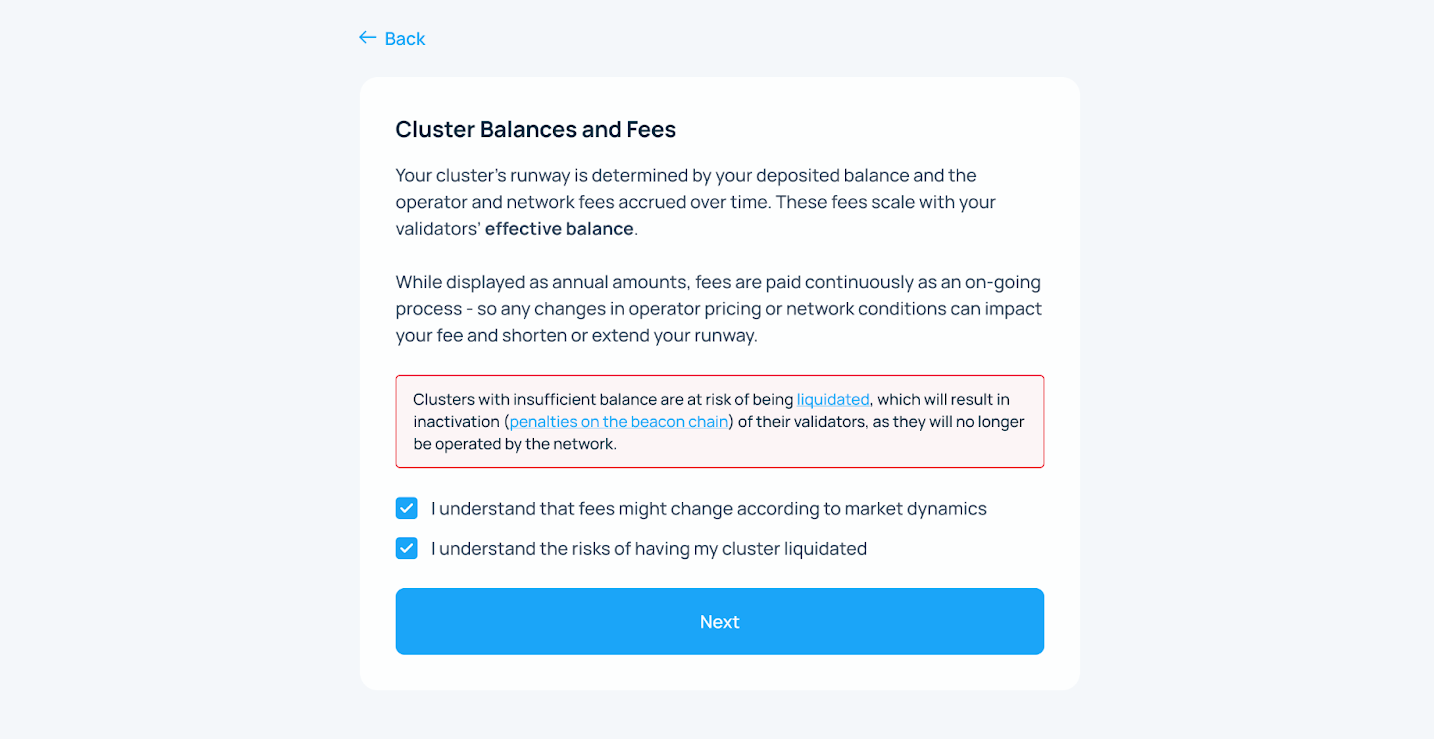
6. Review the balance warning
Review the fee and balance notice. For more context, see Effective Balance accounting.
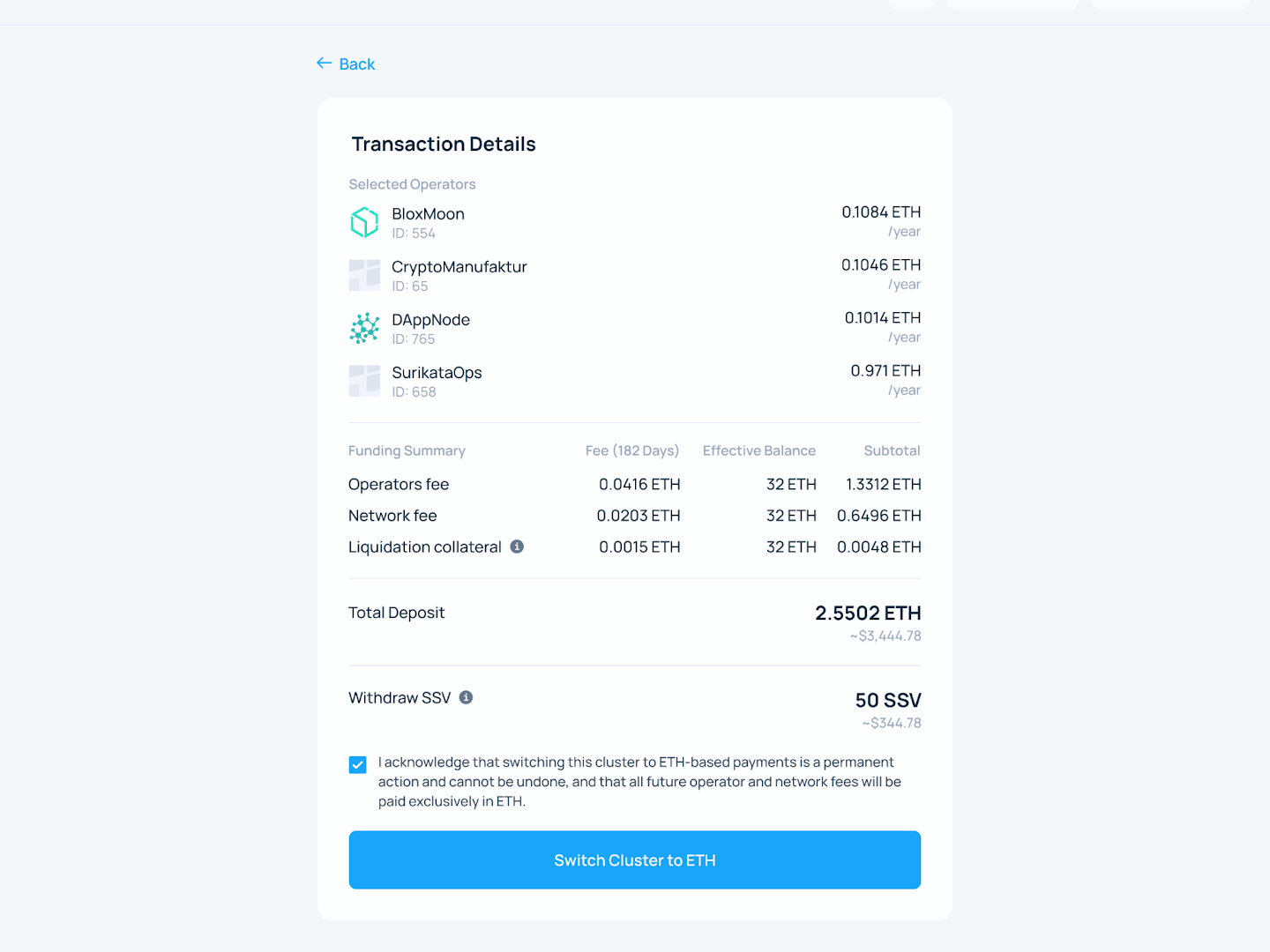
7. Confirm the migration
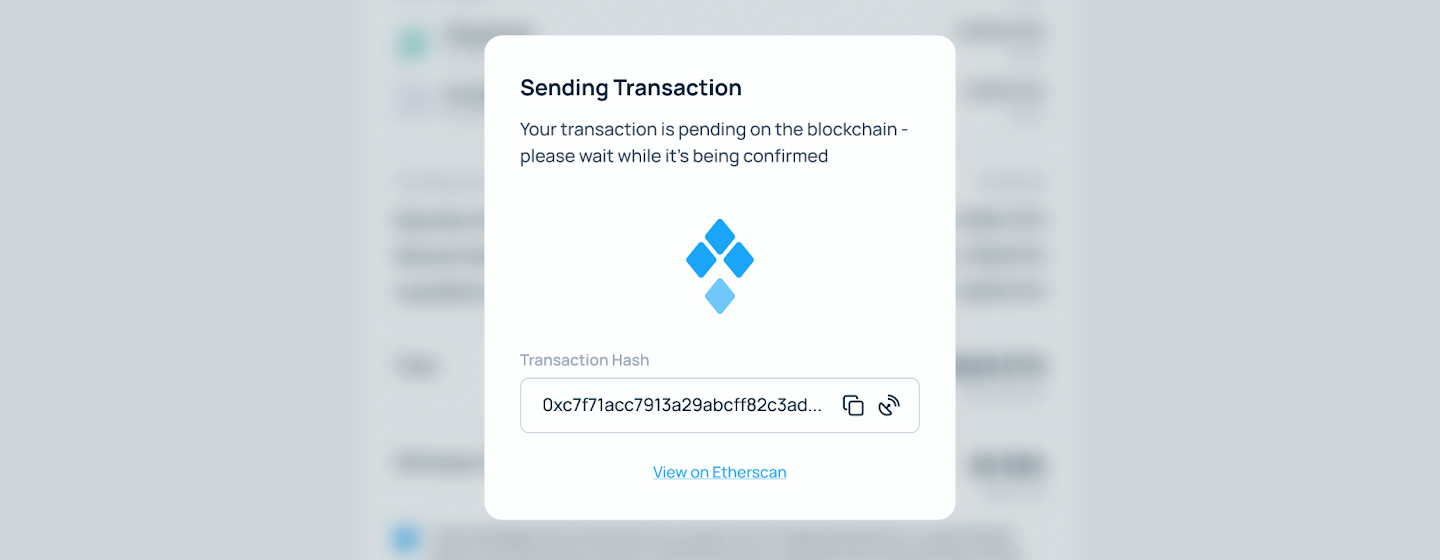
Review the summary, click Switch Cluster to ETH, and sign the transaction.
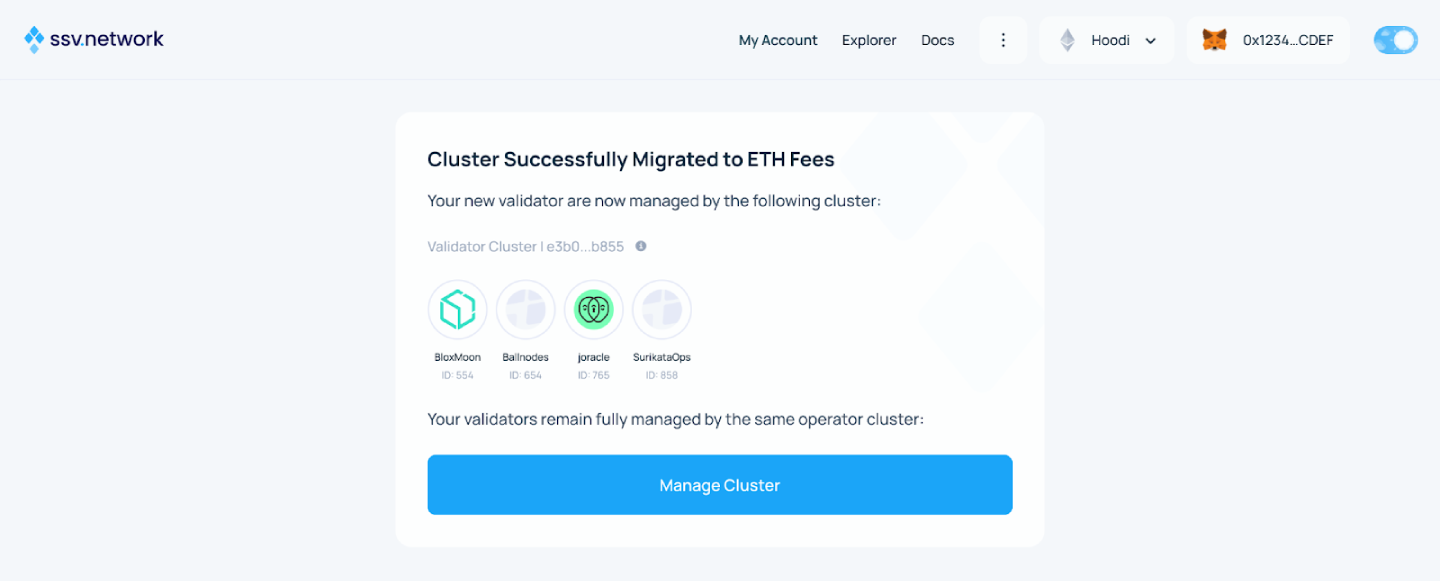
8. Confirm completion
After on-chain confirmation, review the post-migration summary. The cluster is now using ETH-based fees.
Migrate through the smart contract
If you prefer a contract-level flow, call migrateClusterToETH() directly. See the SDK module reference.
The transaction:
- validates the cluster snapshot
- refunds the SSV balance to your wallet
- accepts your ETH deposit
- converts the cluster to ETH-based accounting
- emits the
ClusterMigratedToETHevent