Deposit ETH to a Cluster
Operational runway
Keep enough ETH in the cluster to cover ongoing fees and avoid liquidation.
For more context, see Cluster Balance.
1. Connect your wallet
Connect the Web3 wallet that owns the cluster in the Web App.
2. Open the cluster
On the Clusters page, select the active cluster and click Deposit.
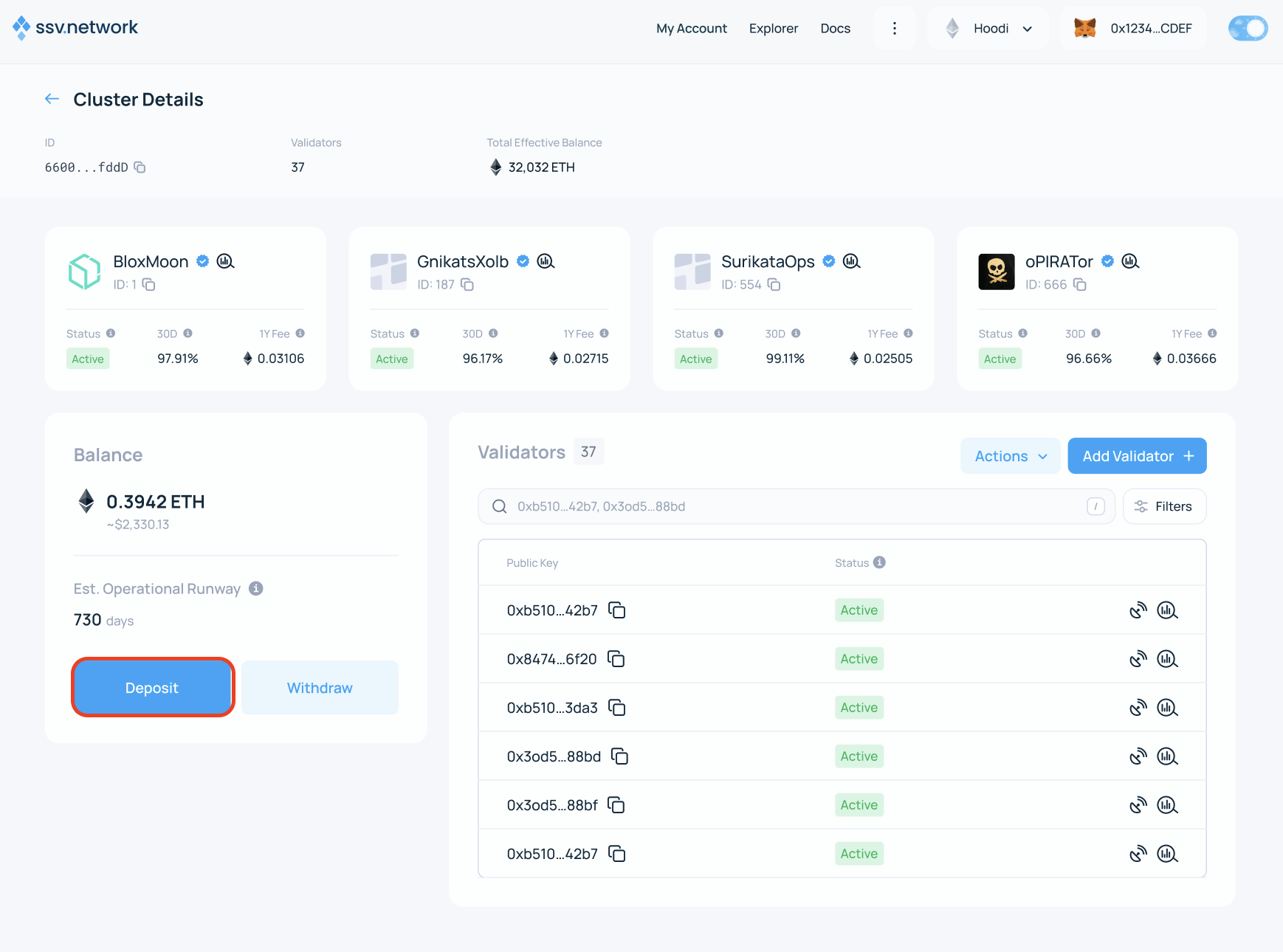
3. Enter the amount
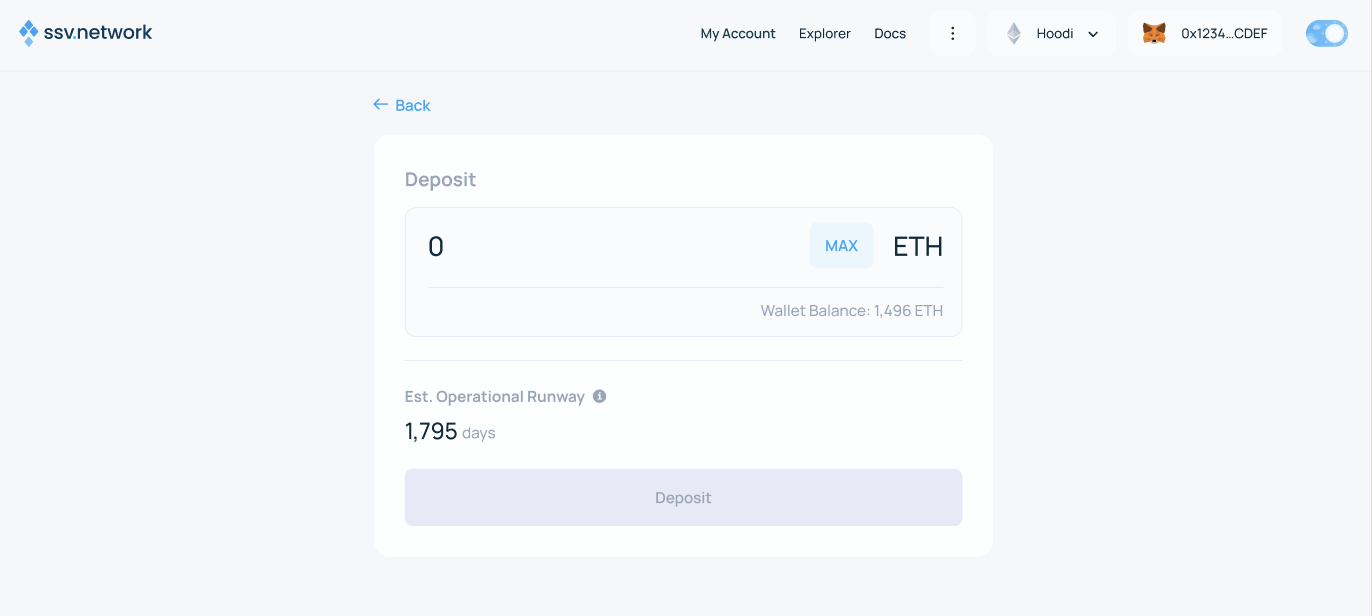
Enter the amount of ETH to deposit, then click Deposit.
4. Sign the transaction
The Web App prepares a transaction to the SSV Network smart contract. Sign it to complete the deposit.
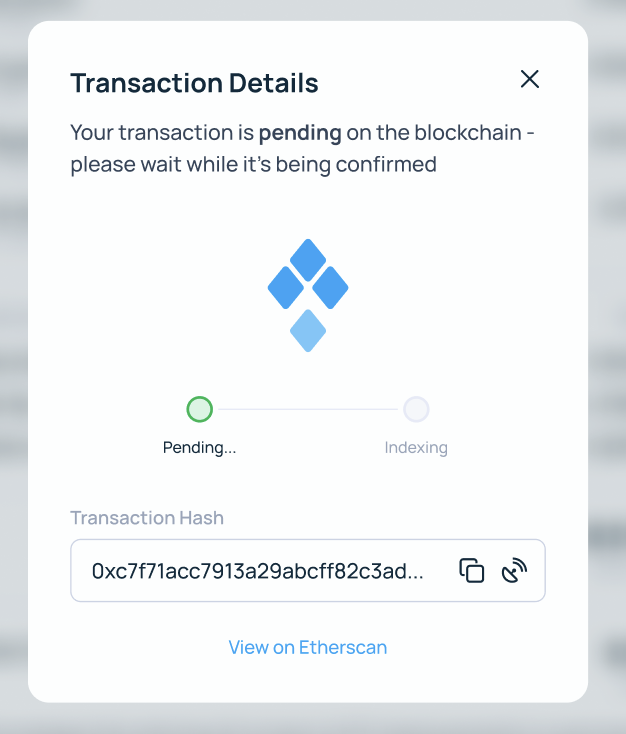
5. Confirm completion
After the transaction is confirmed, the cluster page shows the updated ETH balance.