Set Fee Recipient
Applies to all validators in the account
This updates the fee recipient address for execution-layer block rewards across all validators owned by this account.
By default, execution-layer rewards are sent to the owner address. For more context, see Validator Rewards.
1. Connect your wallet
Connect the Web3 wallet that owns the validators in the Web App.
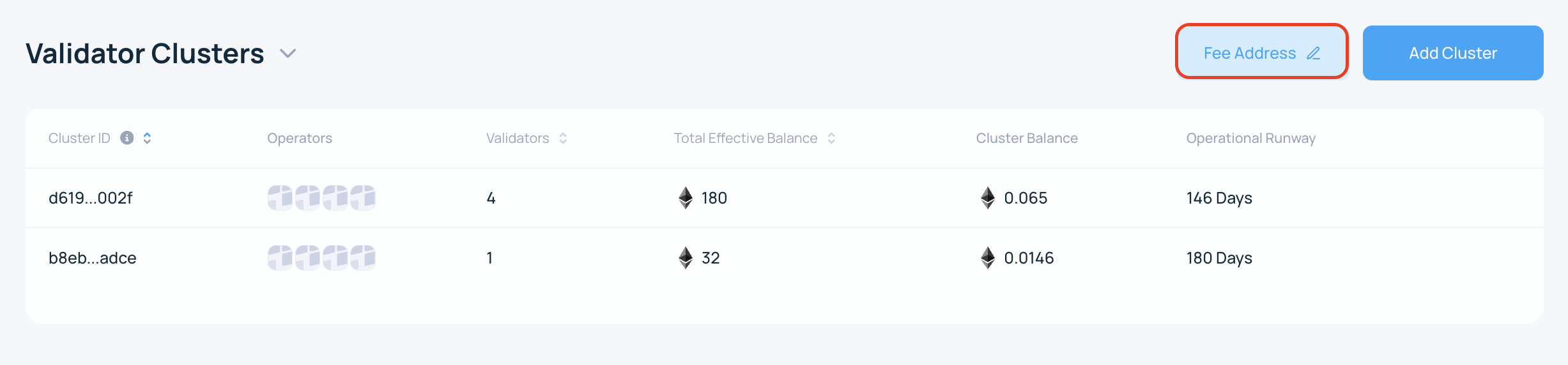
2. Open the fee address settings
On the Clusters page, click Fee Address.
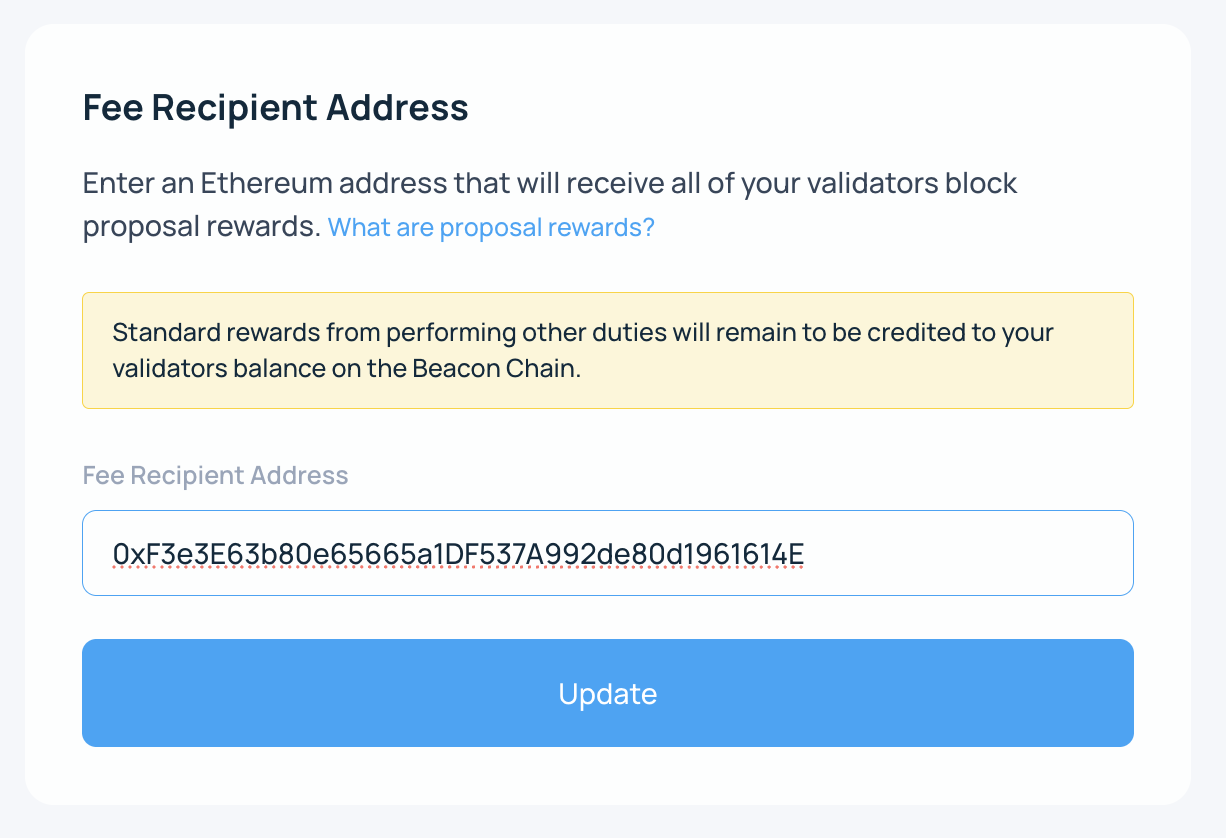
3. Enter the address
Enter the new destination wallet address and click Update.
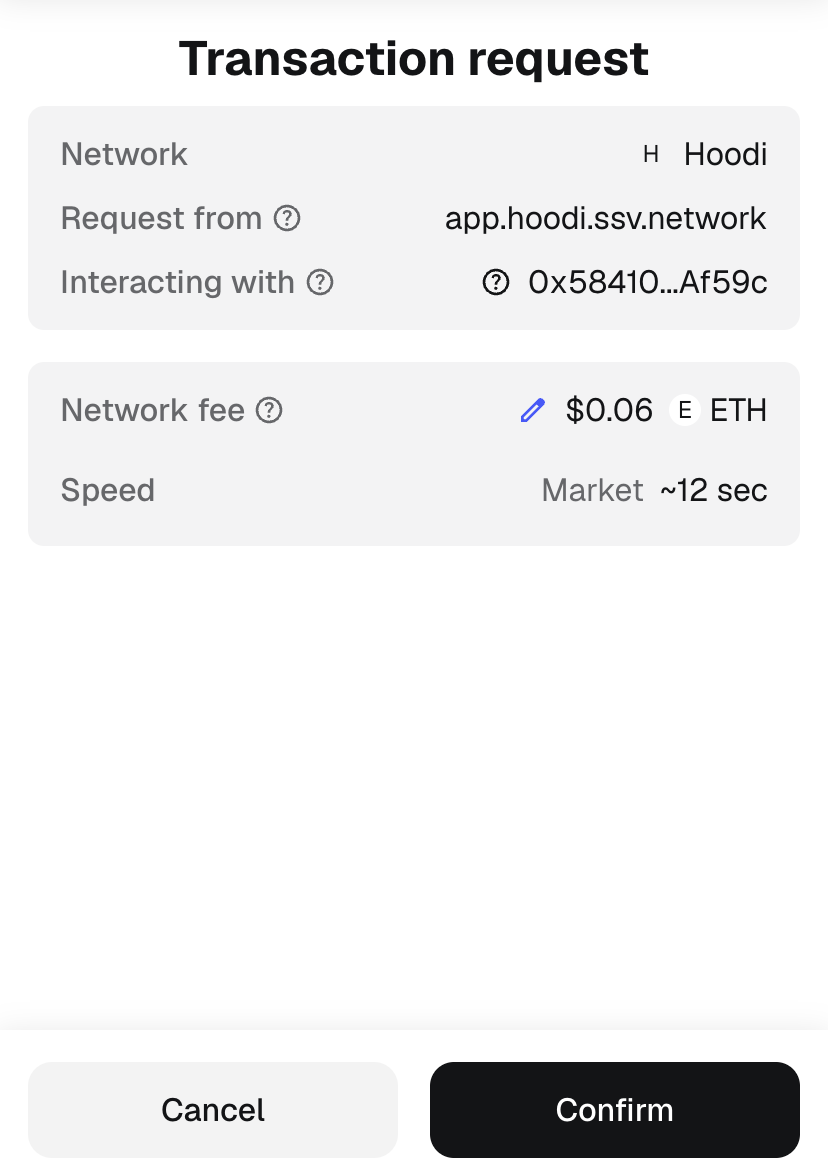
4. Sign the transaction
Sign the transaction to apply the change.
After the transaction is confirmed, the new fee recipient address is used for block proposal rewards for all validators in the account.